
Have you checked these first?
Help us help you: include your environment details. We've made this easy for you. Use the Copy System Info button in Admin Panel › osAwesome › Diagnostics, then paste below.

Note: Never paste the contents of your ost-config.php file here; it holds your database credentials.
Two quick checks before posting: try clearing your browser cache, and press SHIFT+O on any Staff Panel page to enter Safe Mode (a stock osTicket with no enhancements). If the problem still shows in Safe Mode, it's in osTicket itself, not osTicket Awesome. But let us know about the issue either way.
Help us help you: include your environment details. We've made this easy for you. Use the Copy System Info button in Admin Panel › osAwesome › Diagnostics, then paste below.
This forum is public. Never post order numbers, full license keys, email addresses, or payment details.
This is the place for general questions about how billing and licensing work — renewals, activation, staging slots, plan differences, and what happens when a license lapses.
For anything tied to your specific account, refund, or payment, contact us directly instead.

Hi there,
I am on the following theme and environment:
- osTicket v1.14.3 // osTicket-1.14.3-Awesome-102a
- PHP 7.4.12 // MySQL 5.7.31 // Apache/2.4.38 (Debian) web server
I am constantly losing the site's logo and login background image a couple of days after uploading them...
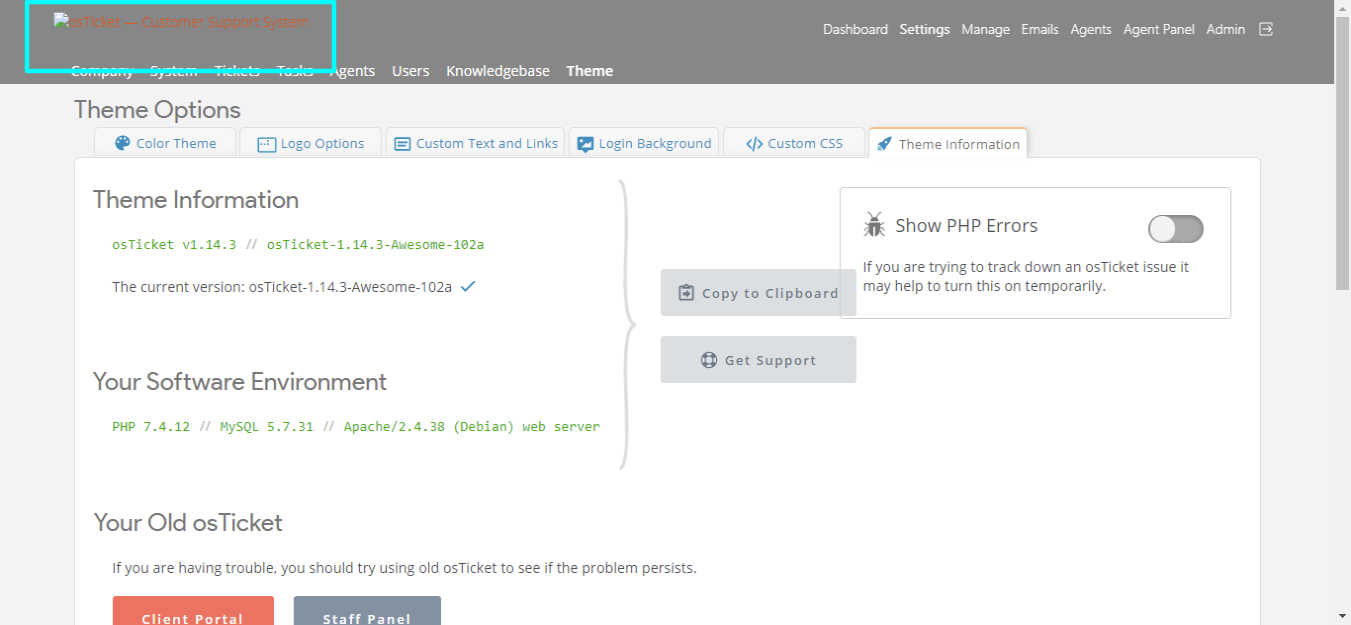
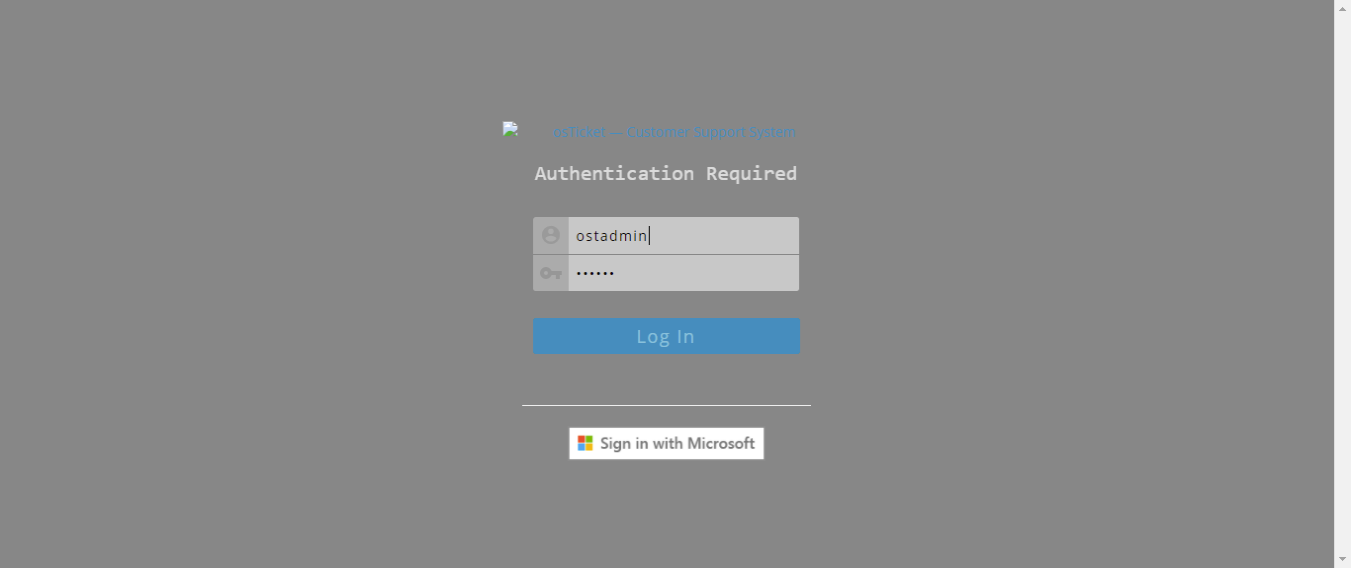
Has anyone else been facing this issue?
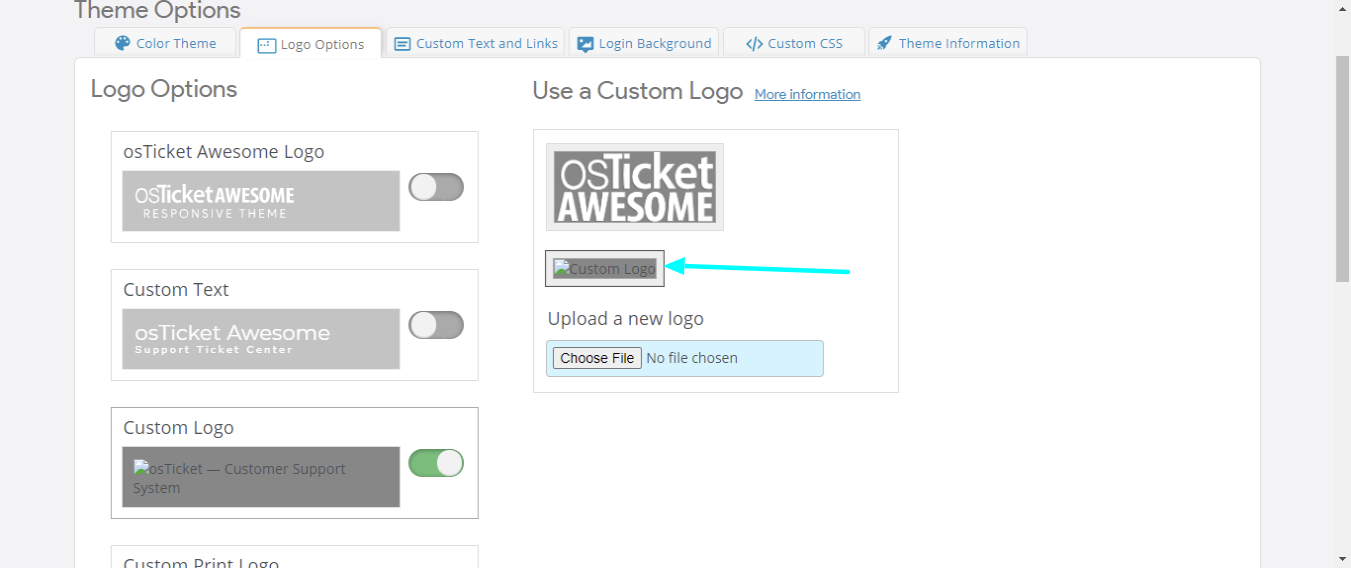
Is it a server configuration issue?
I know I could force in a workaround by directly modifying the CSS, but I'd like to keep as little customizations and possible (+ it's also annoying not knowing it's fixed).
Let me know!
Julien

Hi @JulienVDC,
Hmmm. That's an odd one.
When you upload a logo or a background it resides in the osta/uploads/ directory.
When the files "disappear" from the Logo Options and the Login Background pages, are the files still resident in the that directory?
If no, is there some software running on your web server that may be deleting them, or reverting files back to a previous state, or something along those lines?
Hey @stevland, thanks for getting back.
I just checked the directory for my local instance (it's both happening locally and in the prod environment) and the image is gone from the directory...
I've just re-uploaded the logo via the admin interface and it does get placed into the upload directory.
- - -- - - -
Also, this might help, we use Docker and we're basing ourselves with the following images:
- MySQL database: "mysql:5"
- Apache HTTPD web server: "php:7-apache" (plus customisations inspired from < https://hub.docker.com/r/campbellsoftwaresolutions/osticket/dockerfile>)
Hello @stevland,
Any further advice on this issue, please?
Feel free to ask for more explanations and/or details.
Many thanks in advance for your timely support.

have you cleared out your browser cache?
Sure, but I am not sure why would this bring the images back?
I apologize for my extended absence, @JulienVDC.
I am at a complete loss as to why uploaded files would be disappearing from the server.
Is it possible that you have backup software running on the server that is restoring an earlier backup on the installation files?
If the files were being restored from a back — but not the database — the result would be exactly this type of behavior.
Failing that, I would have to think about it some more. But I am fairly confident that it isn't an issue with osTicket Awesome (I suspect that it has something to do with your environment and the same type of thing would be occurring if you were using vanilla osTicket).
Let me know.
Hey @stevland,
Thanks for your reply! Apologies also for not updating from my end. We've done some tweaks with the server installation and since the re-upload of the images we haven't experienced the issue....
So I'll close this one for now 🙂