
Have you checked these first?
Help us help you: include your environment details. We've made this easy for you. Use the Copy System Info button in Admin Panel › osAwesome › Diagnostics, then paste below.

Note: Never paste the contents of your ost-config.php file here; it holds your database credentials.
Two quick checks before posting: try clearing your browser cache, and press SHIFT+O on any Staff Panel page to enter Safe Mode (a stock osTicket with no enhancements). If the problem still shows in Safe Mode, it's in osTicket itself, not osTicket Awesome. But let us know about the issue either way.
Help us help you: include your environment details. We've made this easy for you. Use the Copy System Info button in Admin Panel › osAwesome › Diagnostics, then paste below.
This forum is public. Never post order numbers, full license keys, email addresses, or payment details.
This is the place for general questions about how billing and licensing work — renewals, activation, staging slots, plan differences, and what happens when a license lapses.
For anything tied to your specific account, refund, or payment, contact us directly instead.

Hi there,
Can you please assist me with the following issue.
A while ago our custom logo suddenly disappeared. I couldn't upload it again.
Because it's not that important I switched to the default logo, but now I still want to fix it.
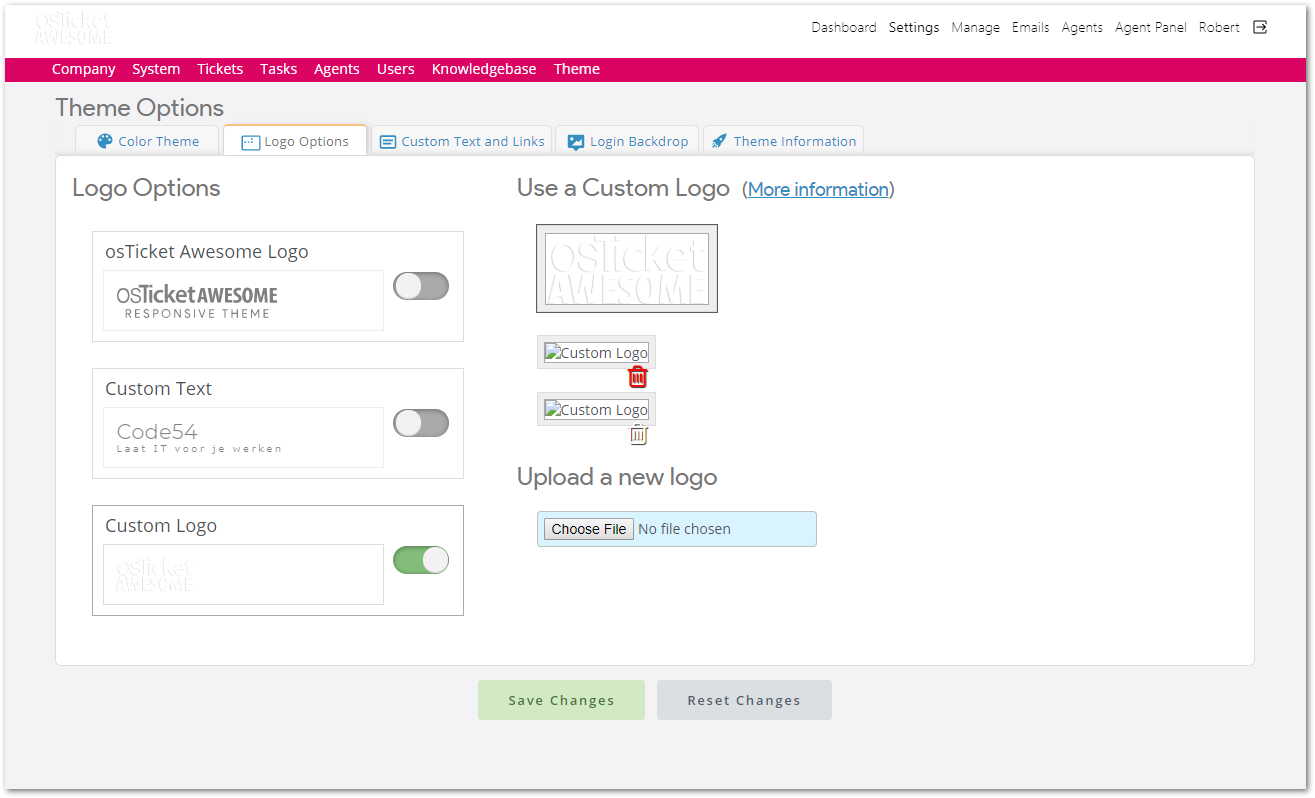
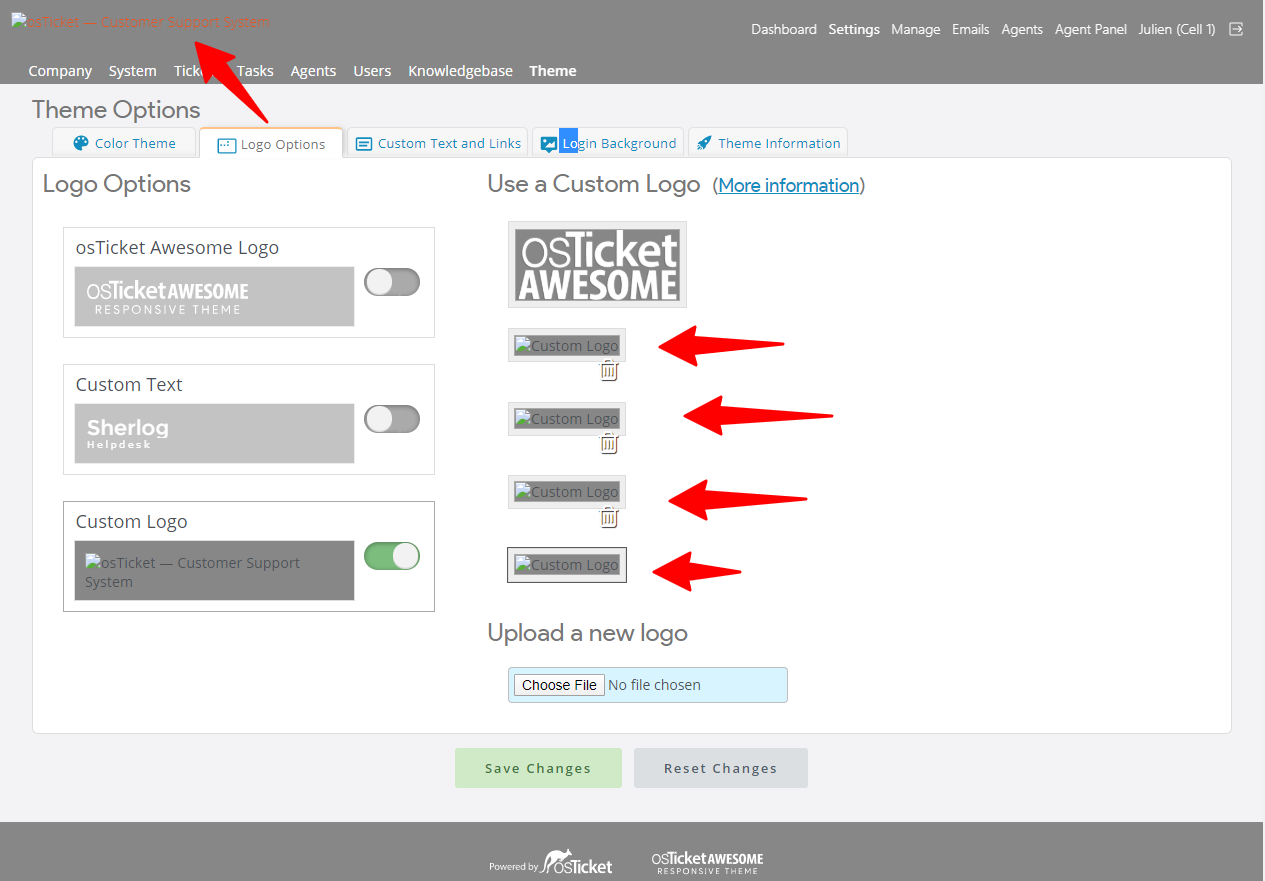
As you can see I have to 'trash'-icons, but they don't work. Nothing happens when I click them.
I click:
- Choose File
- select a .PNG or .JPG
- click Save Changes
- Then a spinner appears
- the page refreshes but I don't see the logo
As far as I know, nothing has changed in our config. We are running this on a Synology NAS and rebooted it, but that didn't fix it.
Thanks for the support!
Best,
Robert
Version info:
osTicket v1.12 // osTicket-1.12-Awesome-102
PHP 5.6.40 // MySQL 10.3.11 // Apache/2.2.34 (Unix) mod_fastcgi/mod_fastcgi-SNAP-0910052141 web server

Hi @Code54,
Sorry for the delayed response.
Please confirm that a osta/uploads/ directory exists with 755 permissions.
And are your custom logos present within that directory?
Thank you for your support, and no worries. It's not causing any major problems.
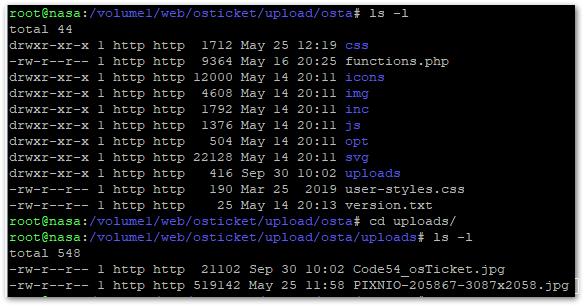
Yes, the file is listed and I think the permissions are correct. It's the first file. The second is a backdrop for the agent-login page and that one is working fine.
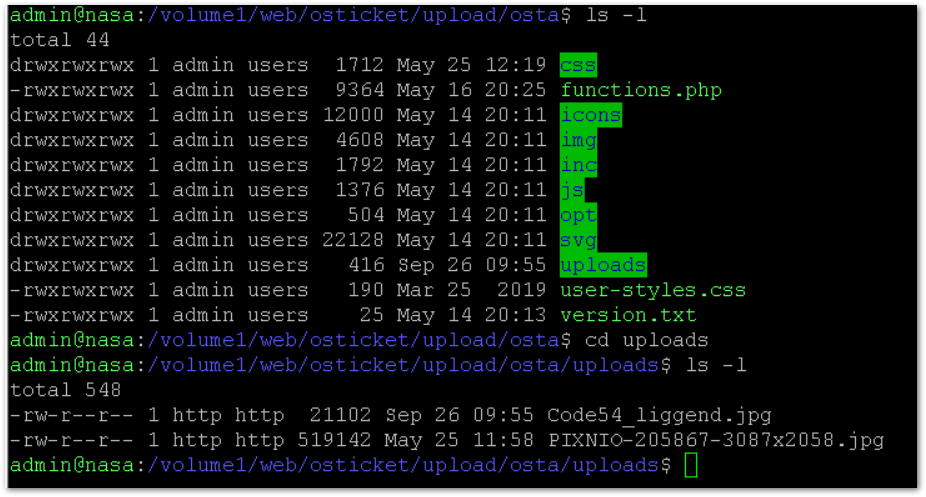
Looking at the date of the file, I can see that it's from a recent try to upload.
Whoa, your permissions look dangerously high.
I recommend setting them properly using these commands:
# find . -type d -print0 | xargs -0 chmod 0755# find . -type f -print0 | xargs -0 chmod 0644
Not that I think this will fix your uploading issue, but let's make sure your installation is secure.
What happens if you delete the two broken Custom Logos and try uploading one from scratch?
From which directory should I run those commands? /volume1/web/osticket/ ? Or only the upload, or osta?
/volume1/web/osticket/
I changed the permissions. Got a lot of errors saying that permissions couldn't change, for example on the Attachments directory.
When I delete the old logo it asked:
remove write-protected regular file?
Not sure why it was write-protected. I removed it and tried to upload a new one. which failed:
Unable to upload logo image: Unable to write to://osta/uploads/Code54_osTicket.jpg
The fact that you have an attachments/ directory tells me that you are using the Attachments on the Filesystem plugin. Not that this makes any difference to the topic at hand; it is just a note.
I'm not sure why you are ending up with write-protected files. I haven't heard of anyone running into this before. In fact, a search of this forum for the term protected only turns up one result... this post!
So I believe we've found your issue. You seem like you know your way around the Linux command line. As you actually have access to your own installation you are in a better position to figure out a solution. But if you want me to do some research and throw out a couple of suggestions, let me know!
Actually one thing that does come to mind is a possible ownership issue.
Make sure the uploads/ directory is owned by the correct user*:
# chown -R thecorrectusername uploads
*(On a regular web server I would suggest that the correct user is the same user account that the main website runs under. Of course, this doesn't really apply to a Synology NAS so I'm not sure what to suggest in this instance).
I hope that this helps! Let me know.
Hi Stevland,
I agree that it looks like an ACL problem.
We also run a DocuWiki site and there the user/group owner of all files is http. I changed osTicket to that same owner. (I'm ashamed to say that I think I wasn't running under sudo when I used chown before). No warnings now.
With the correct permissions, I still have the same problem. If I upload a logo, I get no errors. I just see 2 or 3 non-functional thumbnails. The files are in the upload-directory. I can't delete the icons with the trash-icon.
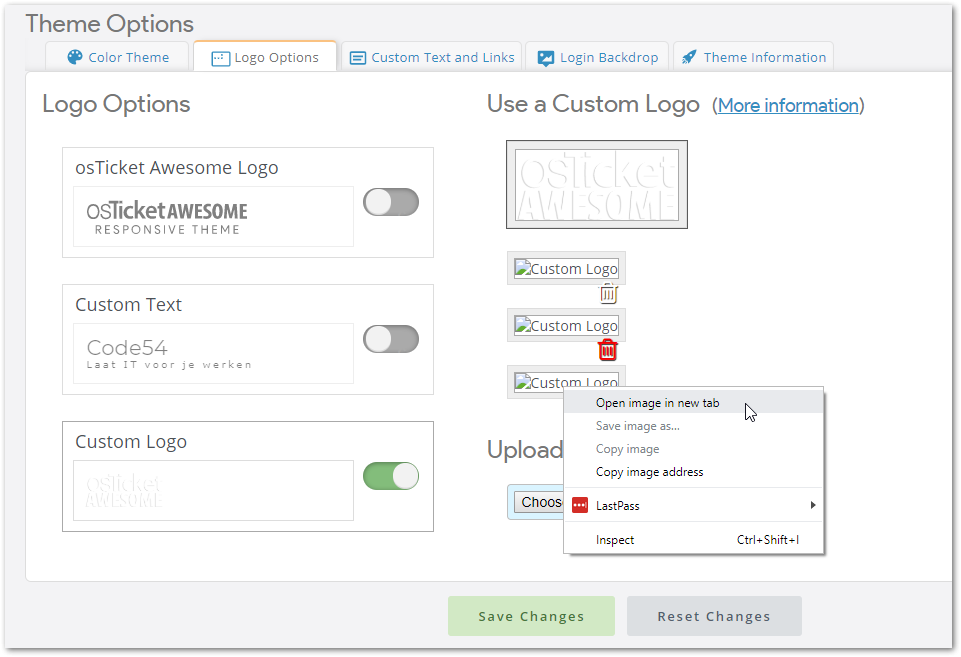
If I open the image in a new tab, I get this error:
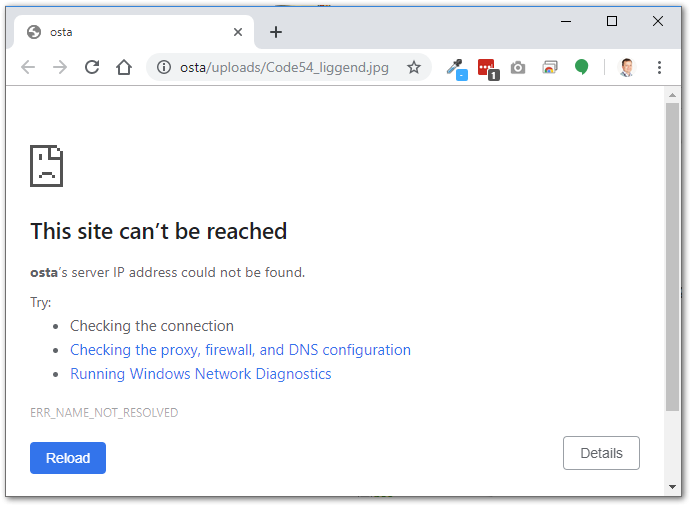
I was thinking that the website URL was wrong, but that Admin-Setting looks correct. I'm also pretty sure that the logo suddenly disappeared. I'm very sure it wasn't an update or server reboot or anything.
Why do I see 3 non-working thumbnails in the Logo Options screen? I only uploaded one. Are these in the database too, or is it just looking for files in the /upload/osta/uploads directory? There are only 2 files. The login-background and the logo.
Is there anything I can test?
Thanks for your time and support.
Sorry for the delay. I'm not really sure how to proceed with this issue, other than installing from scratch. In my spare time I've been looking for a workaround for you. But I've also been very distracted. I'll get back to you soon.
Hi Stevland,
Thanks for your support. Never mind. I think it will solve itself when we install an update or something.
It's not a big deal, but always annoying when you don't understand the problem 🙂
If you have a good idea, please let me know. Otherwise, please spent your time on the more important things in life 😉
Best,
Robert
Hi @Code54,
Thanks for letting me off the hook. I was already working on this workaround, so I decided to finish it.
You can add the following code to /osta/user-styles.css:
/* Client Portal and Staff Panel */
#header-image img {
display: none !important;
}
#header-image:after {
content: ' ';
display: inline-block;
background: url(  ); /* change path */
background-size: cover;
height: 34px; /*do not change this value*/
width: 105px; /* adjust this value until the logo looks good*/
}
/*Staff Login page*/
#login-title #header-image img {
display: none !important;
}
#loginBox #header-image:after {
content: ' ';
display: inline-block;
background: url( ); /* change path */
background-size: cover;
height: 109px; /* adjust this value until the logo looks good*/
width: 332px; /*do not change this value*/
}
After you add that code your logo will be replaced with a Google logo from my server.
You can then change the path to point to your own logo in the /osta/uploads folder, or elsewhere on your server.
---
After getting all of that ready it occurred to me to ask: how did you upload the osTicket Awesome files?
Did you see the following item from the FAQ page?
Will it work on my Synology NAS?
Yes.
One of our users reported having trouble uploading his osTicket Awesome installation using the File Manager. So if you run into trouble while installing, try using an FTP program (such as the free FileZilla) to copy the files over.
Thanks Stevland,
I will try this (I'm sure it works!).
About your question on how I uploaded the files. Originally osTicket is just a package you can install on the NAS.
It was no problem for me to upload the osTicketAwesome file using File Manager (copy and paste the archive and unzip it on the NAS). It had worked fine for several months.
Of course, I know that if nothing has changed, it would still have worked. So there must be changed something that we didn't notice. Maybe there was an update from the original osTicket package after all.
It might be better to install osTicketAwesome on a normal Linux host but I'm always afraid that I leave it insecure. Most of the times it easy to setup a webserver, database, etc. But you have to know what you are doing in order to secure it. That's what I like about the Synology packages. It's taken care of by them. But maybe at the cost that you shouldn't tamper it yourself.
As you probably realize, Synology's os is a highly proprietary version of Linux. I have no idea how an osTicket Awesome installation, uploaded through the File Manager, would behave differently (or if indeed it would be different at all). I'm just going by what I've been told.
You may be overthinking what security issues would be required to run osTicket / osTicket Awesome on a regular web server. I have been using osTicket myself for over a decade and I have never taken any additional steps to secure it. I'm sure some people do, but in all of my years of participating in the osTicket Forums I haven't heard of anyone who has.
In short Enhancesoft has already made osTicket very secure, and one of osTicket Awesome development objectives is to modify osTicket's code as little as possible. 😀
For those who ran into the same problem. I was eventually able to resolve it by:
warning: step 3 requires you to enter the root password of the Maria-database. I had recorded that, but I'm not sure if it's the same as the Synology admin-password for example.
- Backing up osTicket
- Uninstalling the osTicket package using default Synology package installer. Leaving the database alone.
- Installing the osTicket package using default Synology package.
- Download the latest osTicketOwesome-files and overwrite the files in /upload
- Proceed the upgrade when I visited the site again.
After this update I was able to remove the false logo's (using Admin Panel > Theme) and upload a a new one. Everything worked as expected again.

Hi guys,
I am experiencing the exact same problem, the custom logo is broken as the header image and in the admin panel (also displaying 3 broken images).
However I am using this logo (referencing the URL) in the email notifications and there the logo is still well displayed. I see however that the URL pointing to the logo in these email notification is different though:
Email: 
Site header: /osta/uploads/logo-new.png?1591096212
Hey @stevland,
I am trying to apply to CSS changes to /osta/user-styles.css on my local instance but it does not seem to be taking in into account. Do I need to do call that CSS sheet somewhere for these changes to be applied?
Okaaaaay never mind! It was a Cache issue! As seen here: https://osticketawesome.com/forums/topic/user-styles-css-is-not-applied/
A hard refresh did the trick!