
Have you checked these first?
Help us help you: include your environment details. We've made this easy for you. Use the Copy System Info button in Admin Panel › osAwesome › Diagnostics, then paste below.

Note: Never paste the contents of your ost-config.php file here; it holds your database credentials.
Two quick checks before posting: try clearing your browser cache, and press SHIFT+O on any Staff Panel page to enter Safe Mode (a stock osTicket with no enhancements). If the problem still shows in Safe Mode, it's in osTicket itself, not osTicket Awesome. But let us know about the issue either way.
Help us help you: include your environment details. We've made this easy for you. Use the Copy System Info button in Admin Panel › osAwesome › Diagnostics, then paste below.
This forum is public. Never post order numbers, full license keys, email addresses, or payment details.
This is the place for general questions about how billing and licensing work — renewals, activation, staging slots, plan differences, and what happens when a license lapses.
For anything tied to your specific account, refund, or payment, contact us directly instead.

Hi
Theme Information: osTicket v1.15.1 // osTicket-1.15.1-Awesome-101
Software Environment: PHP 7.3.27 // MySQL 5.7.33 // Apache web server
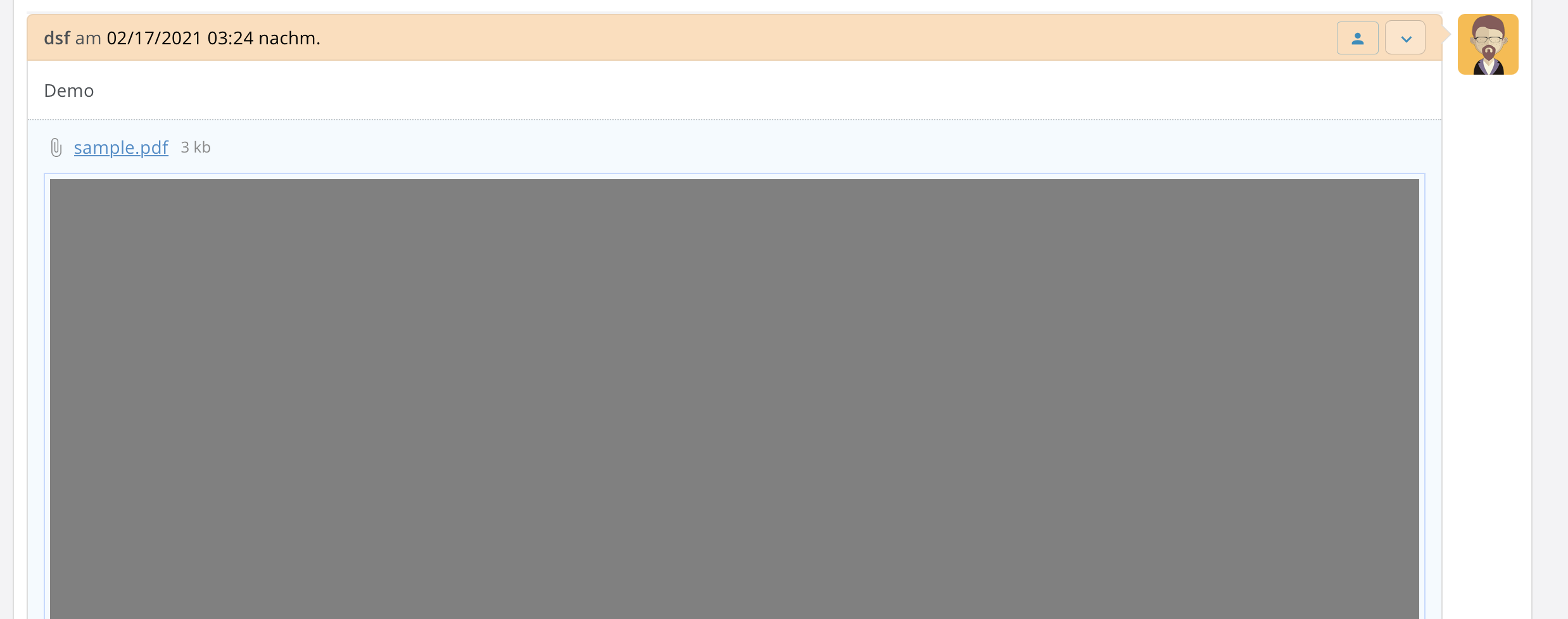
The Attachment Inline Plugin dosen't word in this Version. Wit images is everything fine, but not with a PDF in the attachment of a ticket. PDF documents doesn't show in newest MacOS Safari browser. You will get always a grey screen and the browser crashes, so you can't click anything else. Is this a bug in newest osTicket Awesome? With newest Firefox or Google Chrome everything works fine. Thank's for your help.

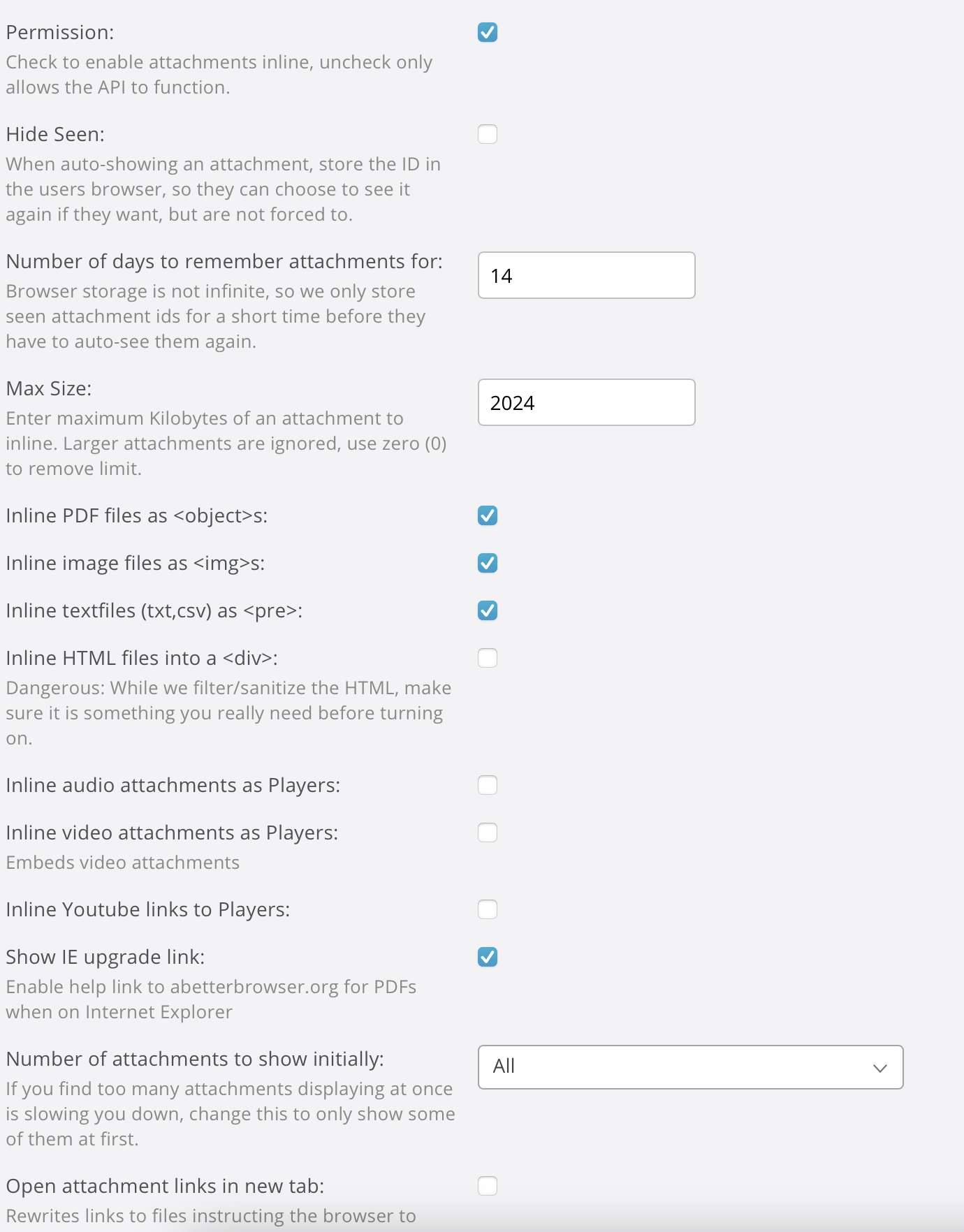
And here a screenshot from the configuration menu of the attachment plugin:

Thank you for the report.
Please replace <span style="color: #008000;">/include/plugins/attachment_preview.phar</span> with this version.
You may need to then go to Admin Panel > Manage > Plugins and re-enable the Attachment Inline Plugin.
But either way, after that you should be good-to-go.
Hi stevland
Thanks for the quick help!
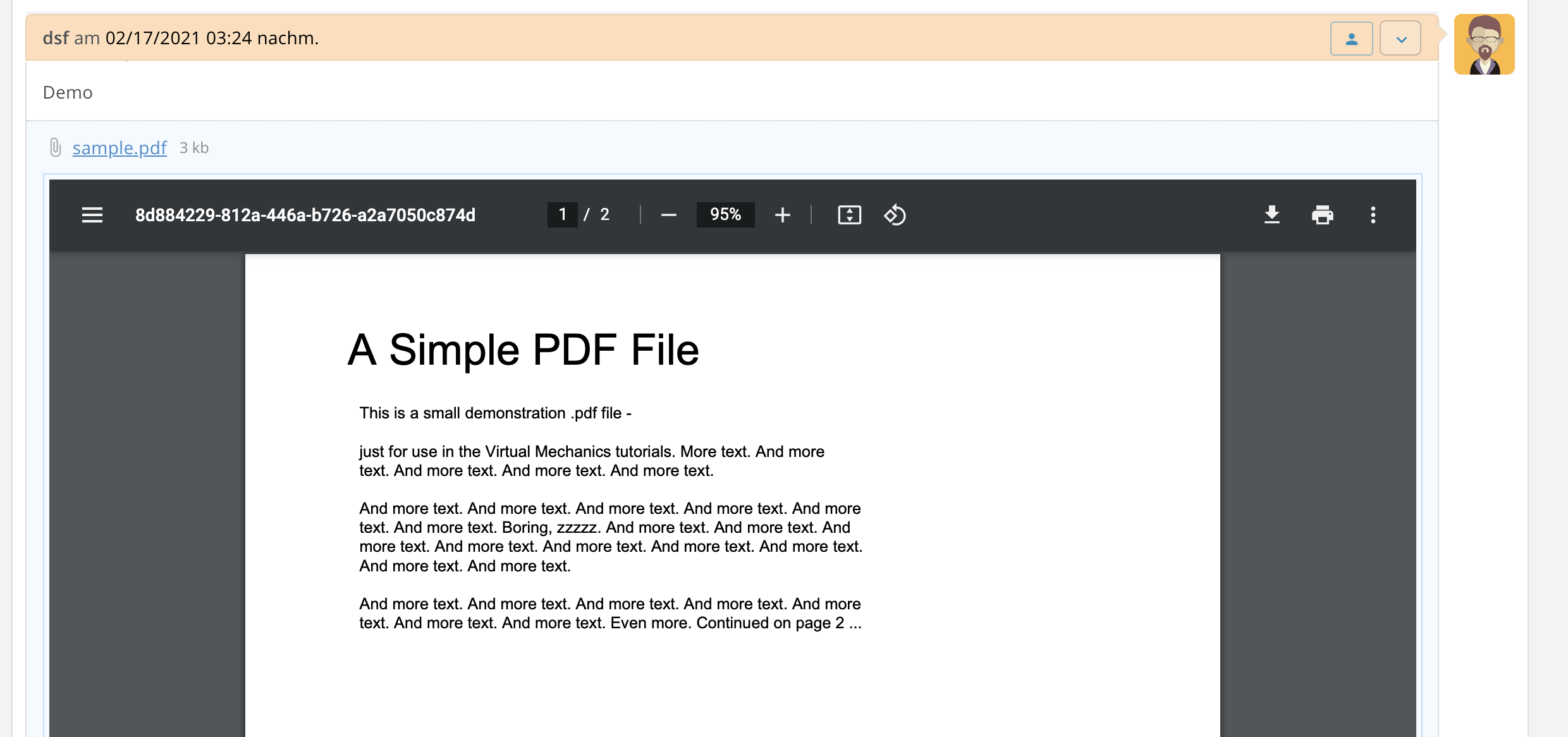
Uploaded your file to my server and reactivated the plugin. Unfortunately it didn't help, the problem is still there. I think it is a browser problem. Because on Google Chrome it works, but on Safari 14.0.3 for macOS it doesn't. If anyone else has any ideas, I would appreciate it. Otherwise, I'll try to work with Google Chrome, because everything works there.
Screenshot Safari with problem to show PDF:
Screenshot Google Chrome, everything works fine:
After updating the plugin, did you clear Safari's browser cache?
Unfortunately I do not have access to a Mac right now, so I can't test MacOS Safari.
But I did try it on an iPhone and a PDF did preview in iOS Safari, although the preview sometimes did not load right away until I refreshed the page.
If clearing Safari's cache doesn't help, try the SHIFT + O keyboard combination to view the same ticket in vanilla osTicket. Does the PDF preview display as expected over there?
(BTW I highly recommend using Chrome on MacOS anyway. I think it is a crime that Apple keep promoting Safari. Either they should accelerate its development, or they should abandon it. But that's my personal opinion, ymmv)