
Have you checked these first?
Help us help you: include your environment details. We've made this easy for you. Use the Copy System Info button in Admin Panel › osAwesome › Diagnostics, then paste below.

Note: Never paste the contents of your ost-config.php file here; it holds your database credentials.
Two quick checks before posting: try clearing your browser cache, and press SHIFT+O on any Staff Panel page to enter Safe Mode (a stock osTicket with no enhancements). If the problem still shows in Safe Mode, it's in osTicket itself, not osTicket Awesome. But let us know about the issue either way.
Help us help you: include your environment details. We've made this easy for you. Use the Copy System Info button in Admin Panel › osAwesome › Diagnostics, then paste below.
This forum is public. Never post order numbers, full license keys, email addresses, or payment details.
This is the place for general questions about how billing and licensing work — renewals, activation, staging slots, plan differences, and what happens when a license lapses.
For anything tied to your specific account, refund, or payment, contact us directly instead.

When creating a ticket, users are able to choose image files and upload or drag and drop to the upload bar
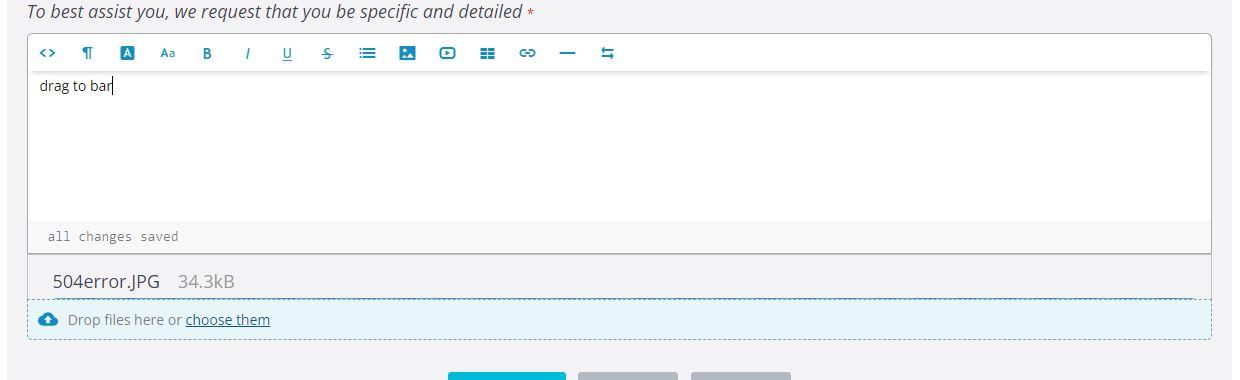
when they post the reply the image attachments are removed.

if they drag and drop an image to the body of the ticket it is embedded and kept.
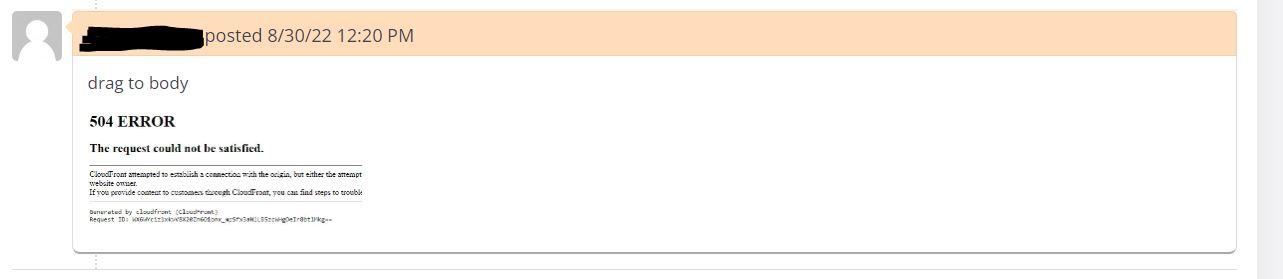
In classic osTicket, users can drag to bar/body or choose to upload and the attachment is kept
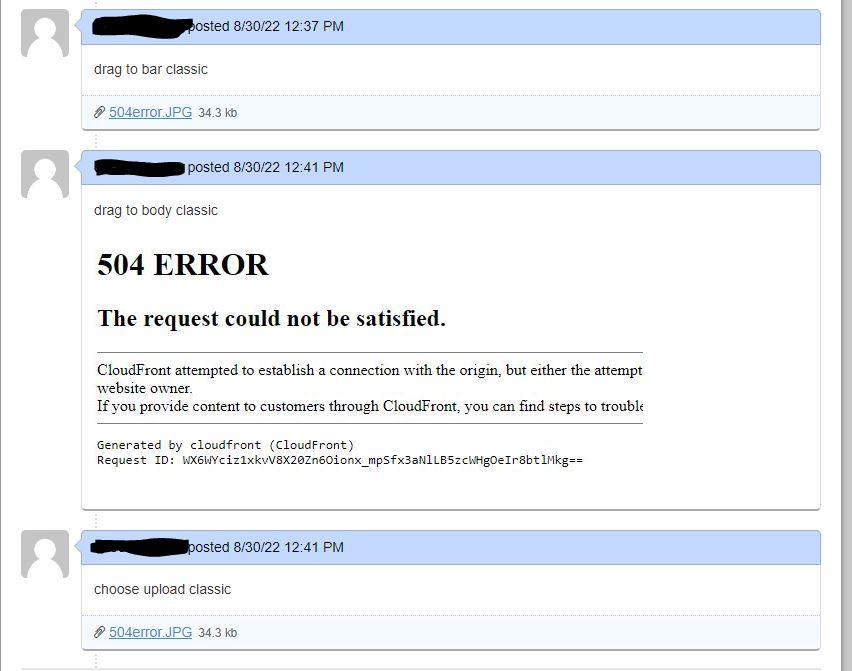
Environment:osTicket v1.15.8 // osTicket-1.15.8-Awesome-101
I have tested this in both Firefox and Chrome browsers, resized windows and confirmed working in the classic osTicket. Also tested with several different image files and image file types with same result. Tested with non image files and both drag and drop and choosing the file keeps the attachment.
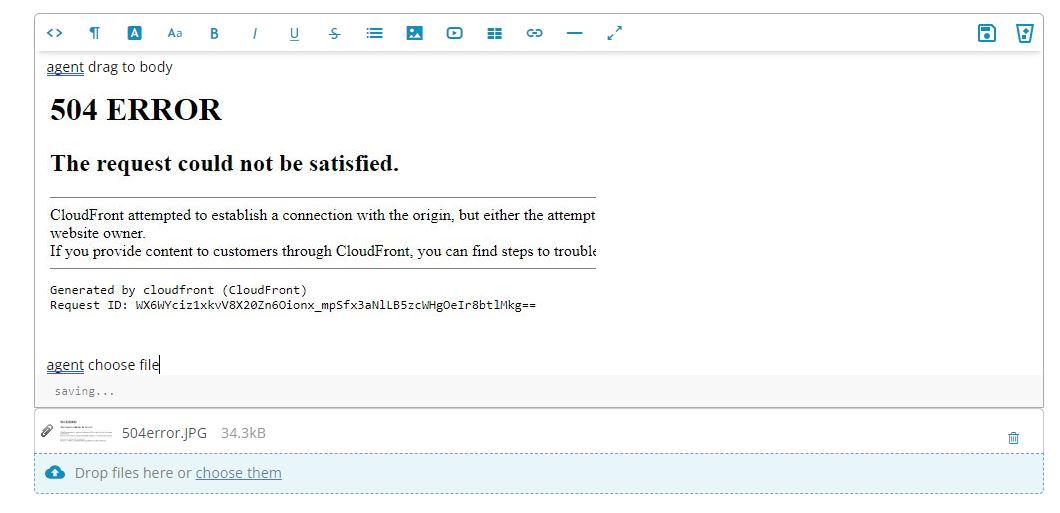
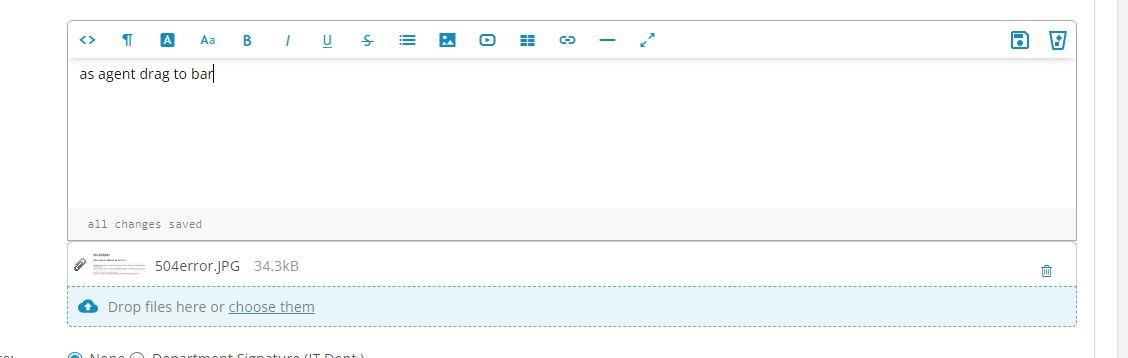
I decided to test as an agent instead of user and found that the upload works when attempting to upload in the agent panel. I also noticed it shows a file preview when in the agent panel but not from the user side of things.

I believe you have run into an unresolved osTicket issue (it is not an osTicket Awesome issue btw).
Try adding .jpg (and whatever other filetypes you need users to be able to upload).
Admin Panel > Settings > Tickets > Additional Filetype Filters
I know that it seems counterintuitive that this fix would work when you can add a file to the body but the dropzone, but I tried this fix myself just now and it fixed the issue.
See this for more info:
https://github.com/osTicket/osTicket/issues/6174
I actually updated to the latest osTicket Awesome last week and we are no longer experiencing the issue. Guessing it was fixed in newest osTicket version then. Was planning to update thread today and mark resolved actually. Thank you.
I appreciate the update.
I was playing around with the dropzone / embedded upload function in 1.17 and I found that the situation is somewhat fixed, but it still isn't very intuitive.
I was using .png and .pdf files in my tests. I didn't have anything added to Additional Filetype Filters.
I found that in the Staff Panel, by default, one can attach both .png and .pdf files up to ~8MBs.
This is in spite of the fact that Agent Panel > Tickets > Ticket Settings and Options > Ticket Attachment Settings > Maximum File Size is set to 128 MB.
And in the Client Portal, by default, one can upload .png files up to ~1MB. But one cannot upload .pdf files at all.
JediKev commented 5 minutes ago
@stevland
I have a pull coming today that might fix this issue.
Cheers.
I just realized you release version 17 on Oct. 6th which is the day after I updated. So I am not on latest, I updated to 1.16.3. Sorry, did't look before I replied earlier.
No worries.
And JediKev announced a fix today so these issues should be resolved once 1.17.1 is released.