
Have you checked these first?
Help us help you: include your environment details. We've made this easy for you. Use the Copy System Info button in Admin Panel › osAwesome › Diagnostics, then paste below.

Note: Never paste the contents of your ost-config.php file here; it holds your database credentials.
Two quick checks before posting: try clearing your browser cache, and press SHIFT+O on any Staff Panel page to enter Safe Mode (a stock osTicket with no enhancements). If the problem still shows in Safe Mode, it's in osTicket itself, not osTicket Awesome. But let us know about the issue either way.
Help us help you: include your environment details. We've made this easy for you. Use the Copy System Info button in Admin Panel › osAwesome › Diagnostics, then paste below.
This forum is public. Never post order numbers, full license keys, email addresses, or payment details.
This is the place for general questions about how billing and licensing work — renewals, activation, staging slots, plan differences, and what happens when a license lapses.
For anything tied to your specific account, refund, or payment, contact us directly instead.

Hi,
Is not available the "answered" tickets. Plz, how can I deal with this?



Your screenshot appears to be a mix of osTicket core and osTicket Awesome.
Try clearing your browser's cache and let me know whether or not it fixes your issue.
Yes I just took the osticket core just for example, and the other pic is how is showing after osTicket Awesome installation
So the osTicket Awesome installation is perfect and 100% operational but since I install the osTicket Awesome is not showing the "Answered" Tab for all answered tickets.
This is a really weird situation. I cannot think of what could cause that.
Wait. I notice that osTicket core shows how many Closed tickets you have.

But osTicket has not shown the # of Closed Tickets since v.1.9.x.
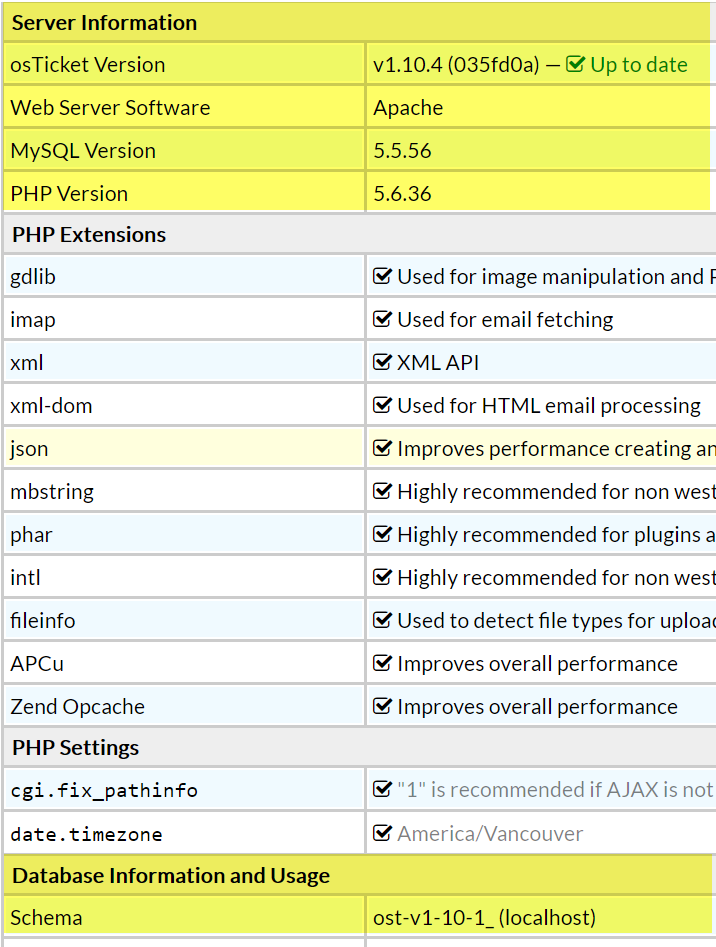
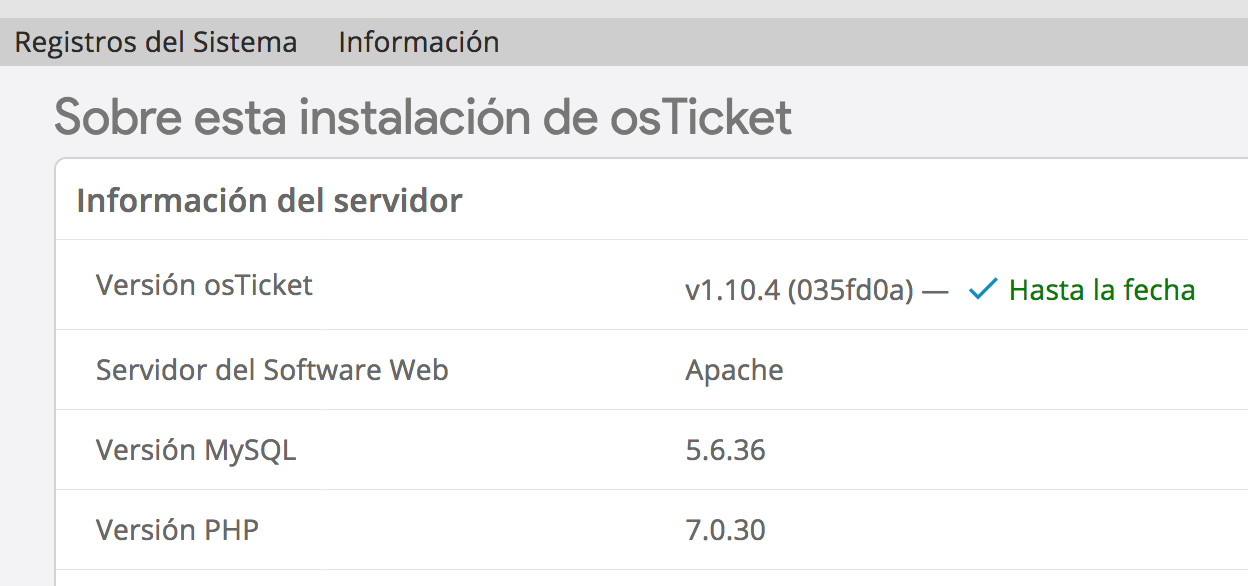
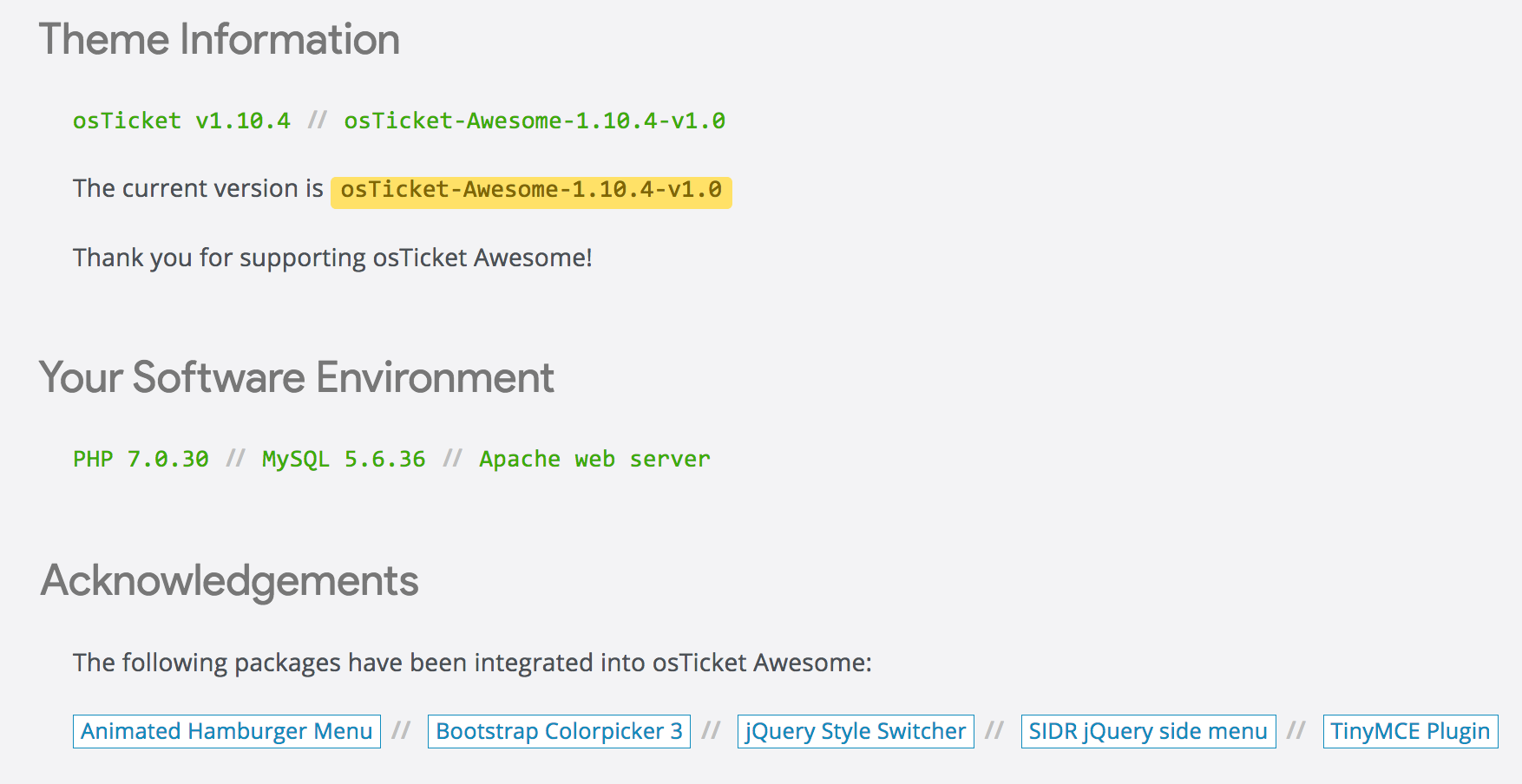
Please send the following information from Admin Panel > Dashboard > Information:
But osTicket has not shown the # of Closed Tickets since v.1.9.x.
Just for the record, the print from osticket core is from other installation I just use for example purpose, the main idea using that print was shown what tab exactly I mean.
Just for the record, the print from osticket core is from other installation I just use for example purpose
That is good to know. It explains why the #'s are so different between the two screenshots.
But I'd still like to know your Database Scheme information (highlighted above).
Actually, in order to help you I'll need to have a look at your Staff Panel.
Please create a temporary administrator account for me (Admin Panel > Agents > Add New Agent) using info@osticketawesome.com.
I Already did the account as you request, and send the link for reset de account password in the e-mail.
Hi @anderson,
I logged into your Admin Panel and had a look.
It is a very strange issue! I will look at it again tomorrow and think about it some more and try to figure out why your link are missing.
Do you still have a osTicket core installation?
For now you can bookmark these two links to get to the tickets:
Answered Tickets
https://solicitud.universal.org.mx/scp/tickets.php?status=answered
My Tickets
https://solicitud.universal.org.mx/scp/tickets.php?status=assigned
Fixed it!
In Admin Panel > Settings > Tickets you didn't have a check beside "Exclude answered tickets from open queue."
Apparently this is enabled by default (which is why I've never noticed the option before) and without having it enabled osTicket doesn't segregate answered tickets.

P.S. Please go ahead and delete my Agent account now. 🙂
Hi @stevland
Apparently I managed to resolve the situation, I do not know how or why but when I passed the complete link in the browser "https://solicitud.universal.org.mx/scp/tickets.php?status=answered" the page rendered with the answered tab, and right now is ok.

LOL didn't you see my last two messages above?!
Wowww so sorry @stevland I didn´t refresh this page and don't see your answer but thanks a lot for your help.