

As you probably realize, Synology's os is a highly proprietary version of Linux. I have no idea how an osTicket Awesome installation, uploaded through the File Manager, would behave differently (or if indeed it would be different at all). I'm just going by what I've been told.
You may be overthinking what security issues would be required to run osTicket / osTicket Awesome on a regular web server. I have been using osTicket myself for over a decade and I have never taken any additional steps to secure it. I'm sure some people do, but in all of my years of participating in the osTicket Forums I haven't heard of anyone who has.
In short Enhancesoft has already made osTicket very secure, and one of osTicket Awesome development objectives is to modify osTicket's code as little as possible. 😀

For those who ran into the same problem. I was eventually able to resolve it by:
warning: step 3 requires you to enter the root password of the Maria-database. I had recorded that, but I'm not sure if it's the same as the Synology admin-password for example.
- Backing up osTicket
- Uninstalling the osTicket package using default Synology package installer. Leaving the database alone.
- Installing the osTicket package using default Synology package.
- Download the latest osTicketOwesome-files and overwrite the files in /upload
- Proceed the upgrade when I visited the site again.
After this update I was able to remove the false logo's (using Admin Panel > Theme) and upload a a new one. Everything worked as expected again.

Hi guys,
I am experiencing the exact same problem, the custom logo is broken as the header image and in the admin panel (also displaying 3 broken images).
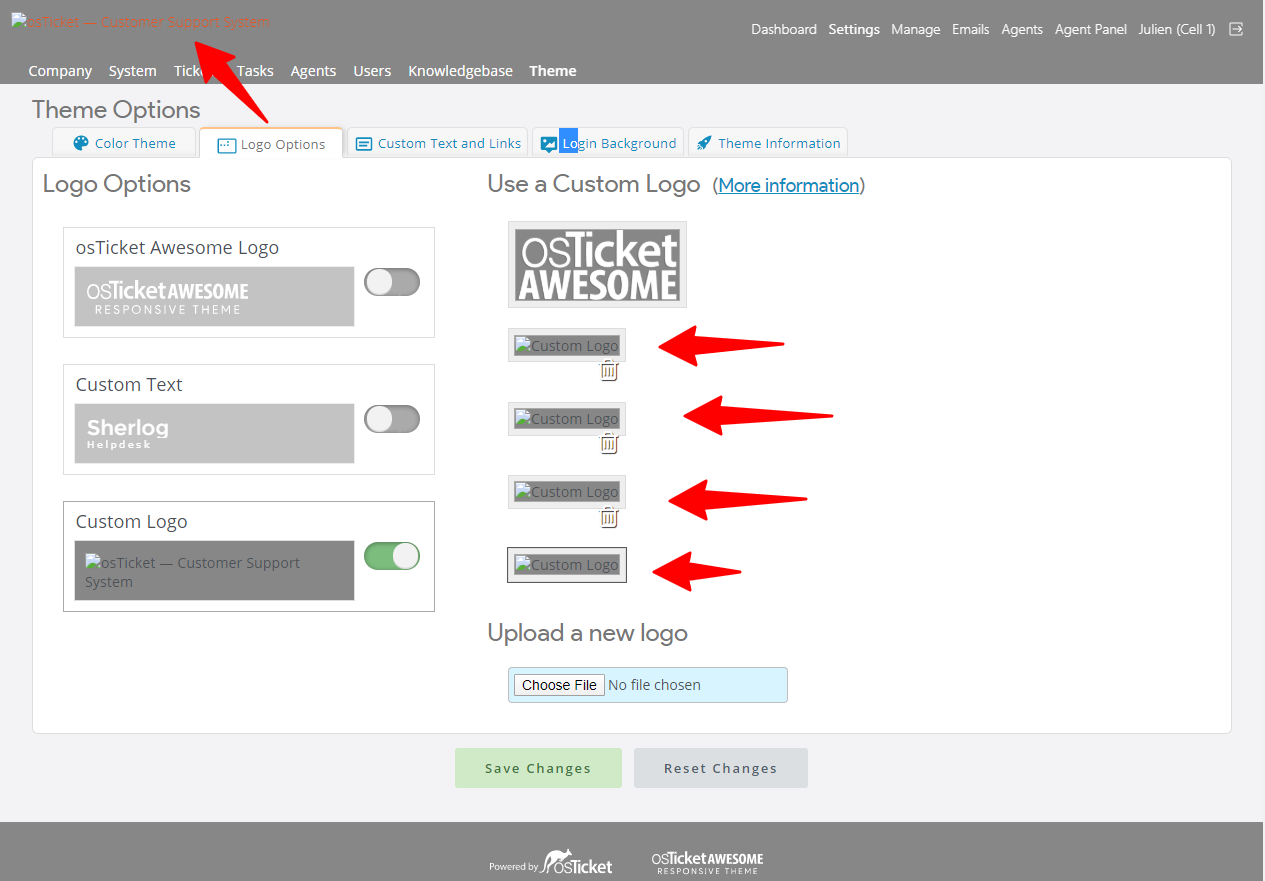
However I am using this logo (referencing the URL) in the email notifications and there the logo is still well displayed. I see however that the URL pointing to the logo in these email notification is different though:
Email: 
Site header: /osta/uploads/logo-new.png?1591096212
Hey @stevland,
I am trying to apply to CSS changes to /osta/user-styles.css on my local instance but it does not seem to be taking in into account. Do I need to do call that CSS sheet somewhere for these changes to be applied?
Okaaaaay never mind! It was a Cache issue! As seen here: https://osticketawesome.com/forums/topic/user-styles-css-is-not-applied/
A hard refresh did the trick!