
Have you checked these first?
Help us help you: include your environment details. We've made this easy for you. Use the Copy System Info button in Admin Panel › osAwesome › Diagnostics, then paste below.

Note: Never paste the contents of your ost-config.php file here; it holds your database credentials.
Two quick checks before posting: try clearing your browser cache, and press SHIFT+O on any Staff Panel page to enter Safe Mode (a stock osTicket with no enhancements). If the problem still shows in Safe Mode, it's in osTicket itself, not osTicket Awesome. But let us know about the issue either way.
Help us help you: include your environment details. We've made this easy for you. Use the Copy System Info button in Admin Panel › osAwesome › Diagnostics, then paste below.
This forum is public. Never post order numbers, full license keys, email addresses, or payment details.
This is the place for general questions about how billing and licensing work — renewals, activation, staging slots, plan differences, and what happens when a license lapses.
For anything tied to your specific account, refund, or payment, contact us directly instead.

I first created this issue on the osTicket forum but it seems nobody else has this issue.
Please have a look at https://forum.osticket.com/d/94357-ticket-thread-lastmessage-shows-not-last-message-but-first/6
In the Response/Reply template I want to include the last message from the client to which I am replying.<br />
So I included:
%{ticket.thread.lastmessage}
From another user on the forum I know this is the correct field.
I tested also: %{message.lastmessage} which is in the default Response/Reply Template from osTicket Default Template (HTML), but however this is in the default template, it says that this variable is not valid for this context. (This seems to be a bug on it's own).
Thanks for the support.
osTicket v1.12 // osTicket-1.12-Awesome-102<br />
PHP 5.6.39 // MySQL 10.3.11 // Apache/2.2.34 (Unix) mod_fastcgi/mod_fastcgi-SNAP-0910052141 web server

Regarding osTicket Awesome, there is nothing that should change the way templates work.
When problems such as this arise, the first step is to always isolate whether or not it is actually an issue with osTicket Awesome.
Do you still have your original osTicket installation? As per the installation instructions I recommend holding onto it for situations like this.
RBGE in the osTicket forum is recommending the same thing. He is using the term "clone" installation. I would call it a "parallel" installation. If you didn't keep a parallel osTicket installation, you can easily add one.
Assuming you have osTicket Awesome installed into a folder named support/, upload the osTicket (v1.12?) files into a folder named support-old/.
Copy support/include/ost-config.php to support-old/include/.
Visit your core osTicket installation by going to www.yourdomain.com/support-old/scp and troubleshoot your email templates.
If it turns out that it is an issue with osTicket Awesome, let me know!
I tried to install a parallel installation but I ran into an issue.
I can reply:
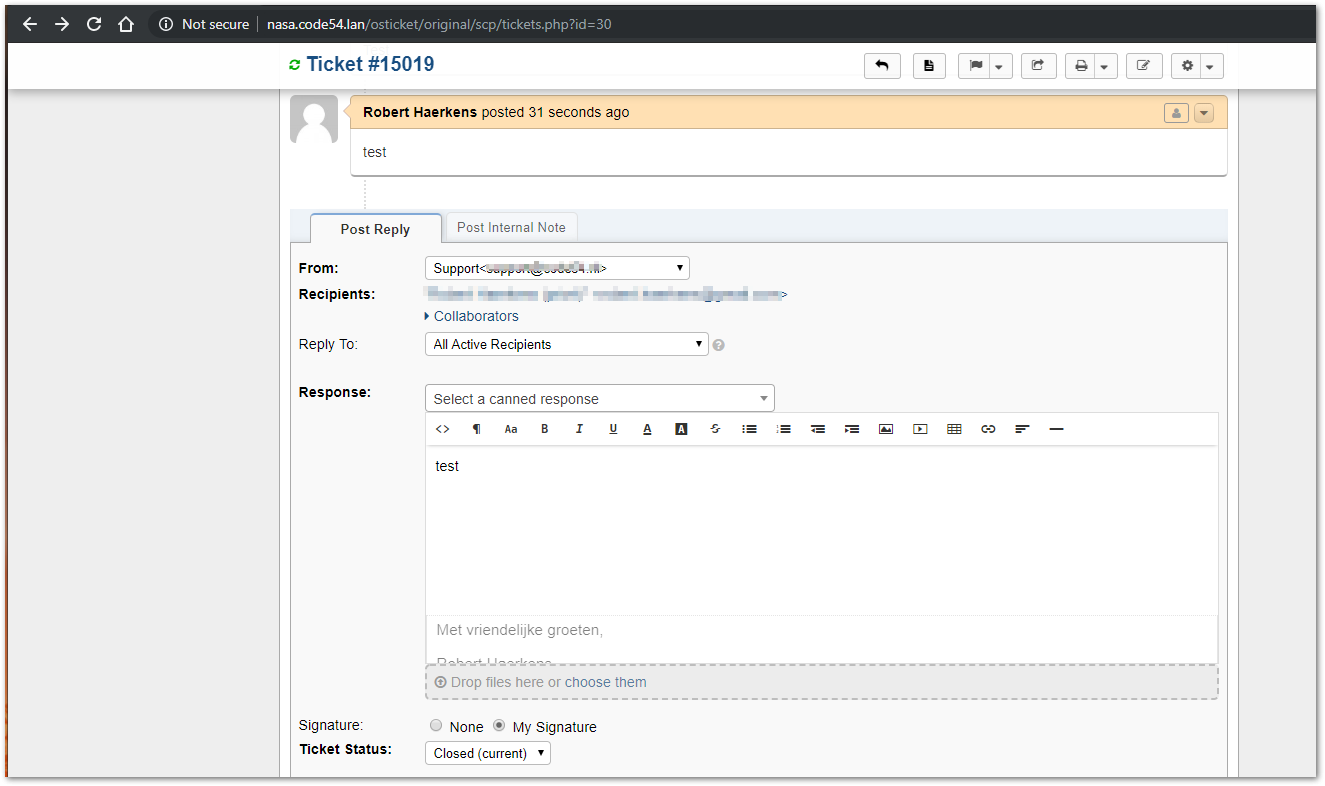
But I got this error after submit:
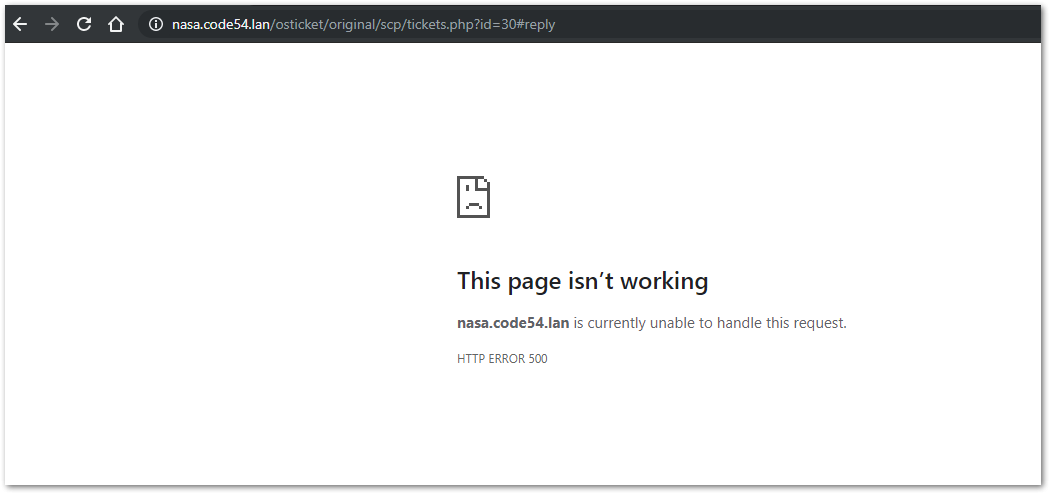
If I refresh the page, it loads correctly and I can see that the last reply was saved.
However, it was not emailed.
Unfortunately, a 500 error is a very generic server-side error that tells us almost nothing. There will be more information as to what is going wrong recorded somewhere however. Please check your PHP / Apache / MySQL logs for the relevant error message.
Hi Stevland,
Thank you for your support. I understand that you ask to verify this first, but only after doing all kinds of tests on our own system I went through the trouble of creating a ticket on the osTicket forum. After checking with other users that we are not making some kind of silly mistake, I created a ticket on this forum. Then I also went through the trouble of setting-up a parallel installation. Now I run into the problem with that.
I still understand what your are asking and why. You sell a template so it very unlikely that functionality like this is effected. I agree. But is it too much to ask to just test this once? It's an easy test. I can even send an email to your osTicket and see what a reply looks like.
It would even be enough for me to hear from another user that the field %{ticket.thread.lastmessage} works as expected.
Thank you.
Robert
Okay, I have added %{ticket.thread.lastmessage} to the Response/Reply Template of my own company's osTicket-1.12-Awesome-105 installation.
Go ahead and open a ticket here. I will reply and you will see that the %{ticket.thread.lastmessage} variable works.
Thank you, I was trying the same thing on the demo-login but I my emails weren't received by the system.
So this should be sufficient to test?
Best,
Robert
Meanwhile I have my parallel setup running and can confirm that this issue exists in the original osTicket too.
Users on that forum are saying that they tested it and that it works as expected, so I posted screendumps of every screen. Hopefully someone spots the issue.
See https://forum.osticket.com/d/94357-ticket-thread-lastmessage-shows-not-last-message-but-first/10
Did you learn anything through posting to my osTicket Awesome installation? I'd like to revert my template back, so do let me know.
Hi Stevland,
Thanks. Yes please, revert your template back. I think I never got a reply, but I'm not sure. <br />
Because my parallel setup worked at the same time I tested that too. That revealed that the problem occurs on the original osTicket too. See https://forum.osticket.com/d/94357-ticket-thread-lastmessage-shows-not-last-message-but-first/9
This is very strange because nobody else has this problem. User RBGE did a lot of testing and couldn't reproduce it. He even installed the Dutch language-pack that we are using. It works fine for him, but as you can see from the screenshots, I'm not doing anything wrong. I really downloaded the latest version, copied it to our NAS in a separate directory, copied the config and did my test.
But, I think this proves that it's not a osTicketAwesome problem (as you said from the beginning) so I would like to apologize for the trouble. And thank your for the support. I think you can close this problem. Not as 'solved' but as 'not a osTicketAwesome problem' ;-).
Thanks again. I appreciate the effort.
Best,<br />
Robert