
Have you checked these first?
Help us help you: include your environment details. We've made this easy for you. Use the Copy System Info button in Admin Panel › osAwesome › Diagnostics, then paste below.

Note: Never paste the contents of your ost-config.php file here; it holds your database credentials.
Two quick checks before posting: try clearing your browser cache, and press SHIFT+O on any Staff Panel page to enter Safe Mode (a stock osTicket with no enhancements). If the problem still shows in Safe Mode, it's in osTicket itself, not osTicket Awesome. But let us know about the issue either way.
Help us help you: include your environment details. We've made this easy for you. Use the Copy System Info button in Admin Panel › osAwesome › Diagnostics, then paste below.
This forum is public. Never post order numbers, full license keys, email addresses, or payment details.
This is the place for general questions about how billing and licensing work — renewals, activation, staging slots, plan differences, and what happens when a license lapses.
For anything tied to your specific account, refund, or payment, contact us directly instead.

Hello,
I have an issue right now. User cant ask for a password reset.
When on page http://support/support/pwreset.php , user enter their username or email, and after that they fell on a page and it said : invalid path.
I replied on official forum too : https://forum.osticket.com/d/98528-user-password-reset-page-doesn-t-work
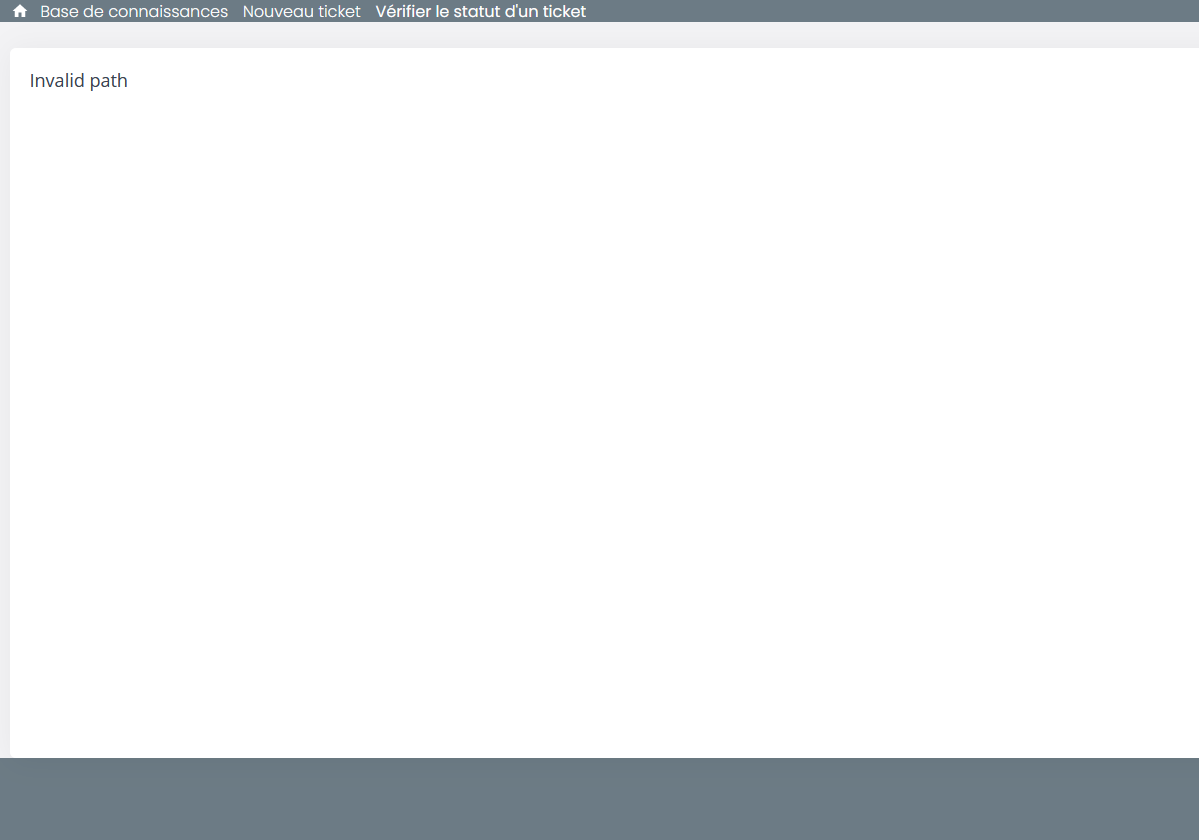
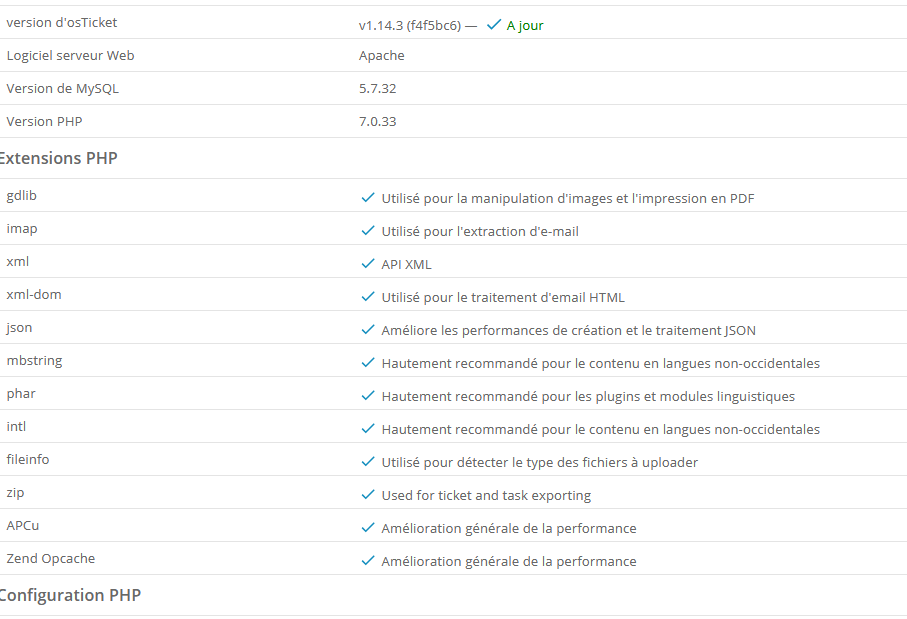

We are having the same issue. "Send Password Reset Email" to users, or the user uses the forgot password link. The user then receives the password reset email and follows the reset link and receives and "Invalid Path" error on osTicketAwesome. Any help is appreciated. This issue is blocking us from deploying osTicketAwesome to production.
UPDATE: I tried with original osTicket theme and the password reset URL works fine.
I sent them an email couple of days ago, no answer.
Others with the same issue?
The issue is the second line of include/staff/login.header.php:
defined('OSTSCPINC') or die('Invalid path');
However, defining this in pwreset.php gets rid of the "Invalid Path" error, the password reset screen is not displaying.
Upon further investigation it looks like include/client/pwreset.login.php is including elements from the include/staff area for which the proper variables are not defined.
I downloaded a previous version of the theme and copied the include/client/pwreset.login.php file from it (which is completely different) into the current theme and that fixed everything. It is now working.

Hey guys,
I'm sorry for the delayed response.
I have actually looked into this a couple of times and I tried unsuccessfully to figure out what the issue is. But both times I eventually became distracted by other demands and forgot to respond to this request. Sorry about that.
I could have sworn that one of the first things that I did was to compare the unedited pwreset.login.php file from osTicket with its osTicket Awesome counterpart.
I don't recall seeing anything that stood out as potentially troublesome. But your tip is extremely useful, @jsusoy. Thank you for tha!
I will take another run at this today and hopefully have a fix included in the next release (this week).
Thanks a lot.
I will wait for your "official" fix, i dont want to make it worse 😀
Hi @pifane,
As it turns out, the fix is quite easy. And I have to thank @jsusoy for helping me discover the issue.
Please download and extract this file. And then upload the two files (pwreset.login.php and pwreset.sent.php) to include/client/, overwriting the files that are currently on your server.
Or you can wait and upgrade to one of the new releases that will be coming out shortly to catch up with osTicket 1.14.4 and 1.15.
It work fine ! Thank you very much !