
Have you checked these first?
Help us help you: include your environment details. We've made this easy for you. Use the Copy System Info button in Admin Panel › osAwesome › Diagnostics, then paste below.

Note: Never paste the contents of your ost-config.php file here; it holds your database credentials.
Two quick checks before posting: try clearing your browser cache, and press SHIFT+O on any Staff Panel page to enter Safe Mode (a stock osTicket with no enhancements). If the problem still shows in Safe Mode, it's in osTicket itself, not osTicket Awesome. But let us know about the issue either way.
Help us help you: include your environment details. We've made this easy for you. Use the Copy System Info button in Admin Panel › osAwesome › Diagnostics, then paste below.
This forum is public. Never post order numbers, full license keys, email addresses, or payment details.
This is the place for general questions about how billing and licensing work — renewals, activation, staging slots, plan differences, and what happens when a license lapses.
For anything tied to your specific account, refund, or payment, contact us directly instead.

Hello,
After this update, osticket and osticketawesome now I cant see any templates or canned replies in html form like it was before, I only see in (code type), and I have to constantly open the with of the field, as it too small, see the pictures please.
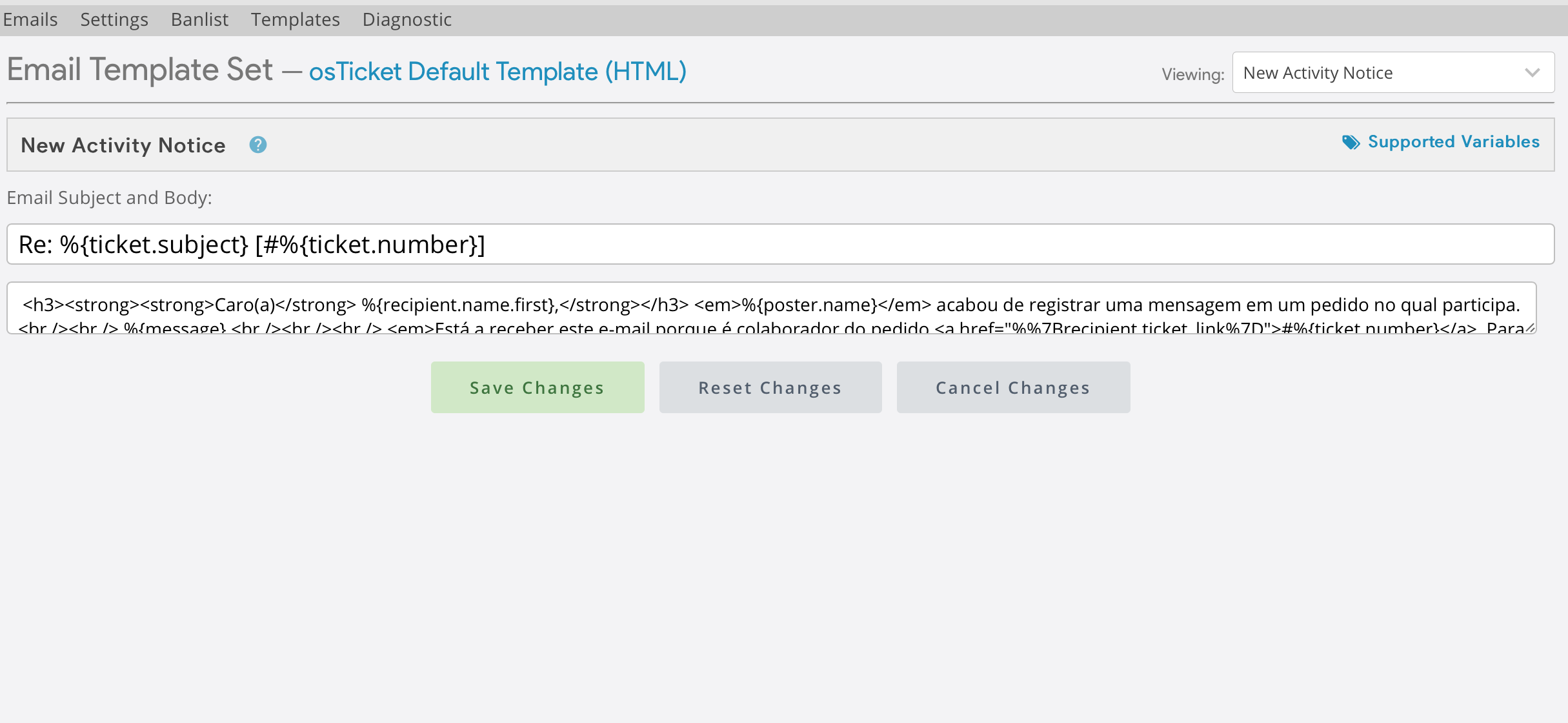
Even the department signatures, everything that I make text have the text like this, so in some canned replies it is very difficult to find the correct place to change some things. But then, when the replies goes to the client in the email appears correctly.
Can you help me please?

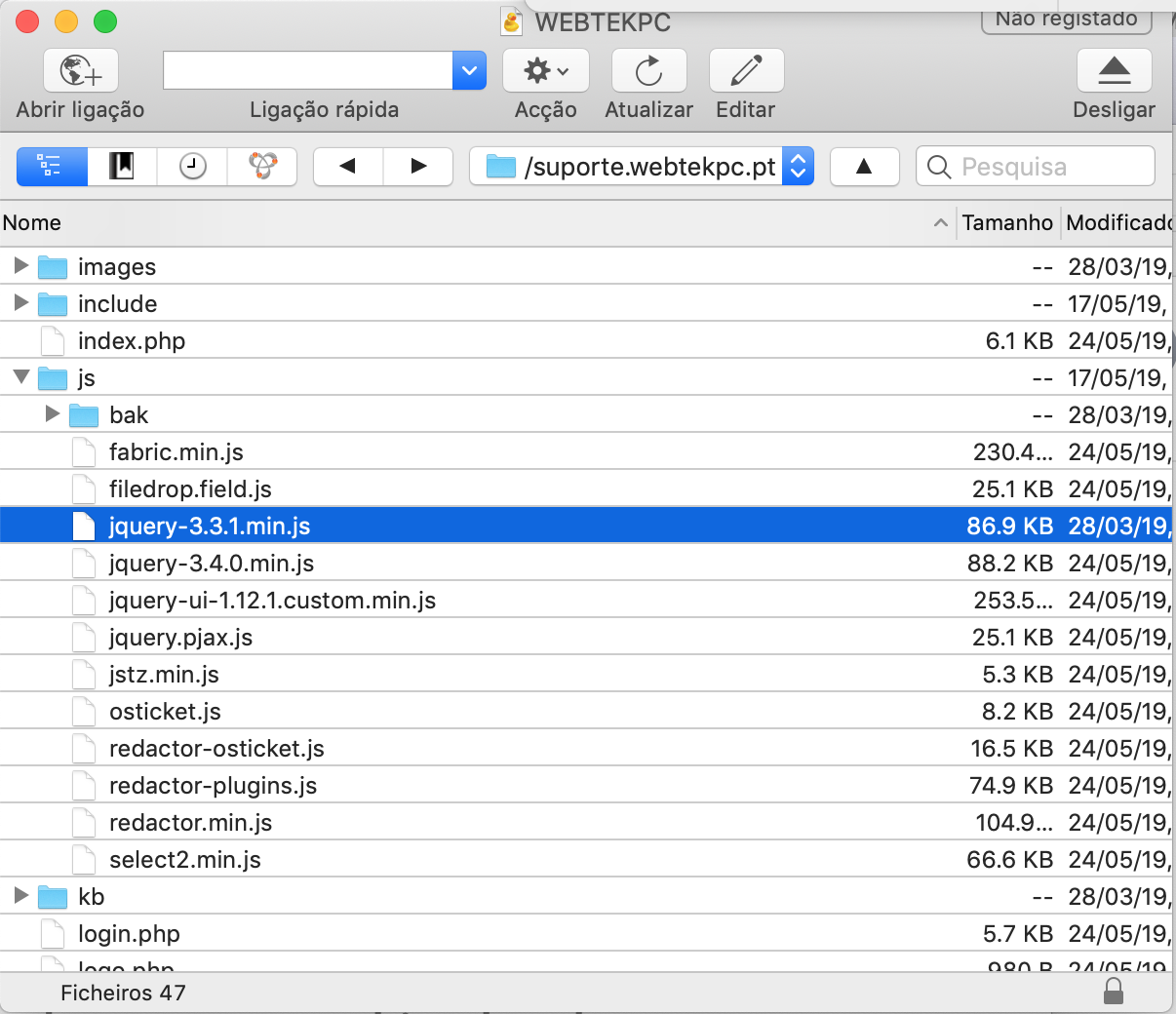
What files do you have in the /js-directory? Is there a file named "jquery-3.4.0.min.js"? I think it came with the last version, you better have it (not jquery-3.4.0.min.js; that one is old)
Hello,
There are the files that I have:

I see you are using a Mac. What browser are you using?
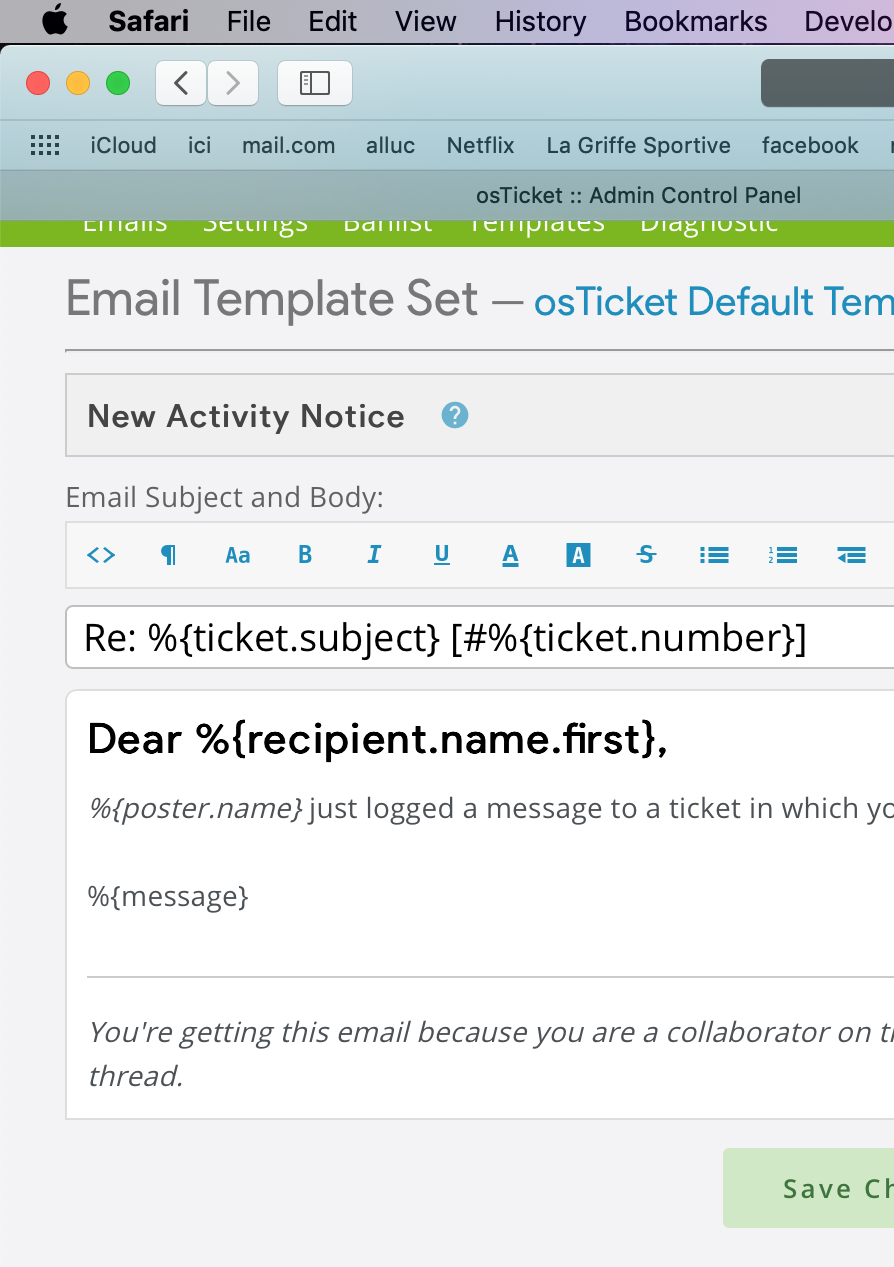
Even on my Mac, using Safari, I don't have this issue while browsing the demo.
If you would like me to investigate this further for you I will need you to create a temporary agent account for me (Admin Panel > Agents > Add New Agent) using info@osticketawesome.com. Be sure to give the account full administrative privileges!
Hello Stevland, thank you for your help. I create a user for you please check.
If you can before I see exactly as you have in the demo, but now I can't and is a small form field, not a big as in the picture, and I can't see the signature in the end as well.
Hmmm. Perhaps you should try clearing your browser cache.
I haven't received an email notification from your osTicket regarding a user account. You used info@osticketawesome.com, yes?
Hello Stevland, yes I create the Agent user as you describe.
It was the TinyMCE plugin. I disabled it and cleared the browser cache. Now everything works as expected.
The TinyMCE plugin is no longer developed or supported; you shouldn't use it.
Fantastic, Yes is working perfectly. But where is that plugin, and how did you disable it?
You're welcome.
Admin Panel > Manage > Plugins
Did you guys not install it yourselves?
It was included in osTicket Awesome, many versions ago. Perhaps you upgraded from an older version and it stuck around. Hmmm.