
Have you checked these first?
Help us help you: include your environment details. We've made this easy for you. Use the Copy System Info button in Admin Panel › osAwesome › Diagnostics, then paste below.

Note: Never paste the contents of your ost-config.php file here; it holds your database credentials.
Two quick checks before posting: try clearing your browser cache, and press SHIFT+O on any Staff Panel page to enter Safe Mode (a stock osTicket with no enhancements). If the problem still shows in Safe Mode, it's in osTicket itself, not osTicket Awesome. But let us know about the issue either way.
Help us help you: include your environment details. We've made this easy for you. Use the Copy System Info button in Admin Panel › osAwesome › Diagnostics, then paste below.
This forum is public. Never post order numbers, full license keys, email addresses, or payment details.
This is the place for general questions about how billing and licensing work — renewals, activation, staging slots, plan differences, and what happens when a license lapses.
For anything tied to your specific account, refund, or payment, contact us directly instead.

Hello,
We have customised the theme on osTicketAwesome (with the CSS).
On 16:9 screen, we don't have any problem.
But, on 21:9 screen, we have this :
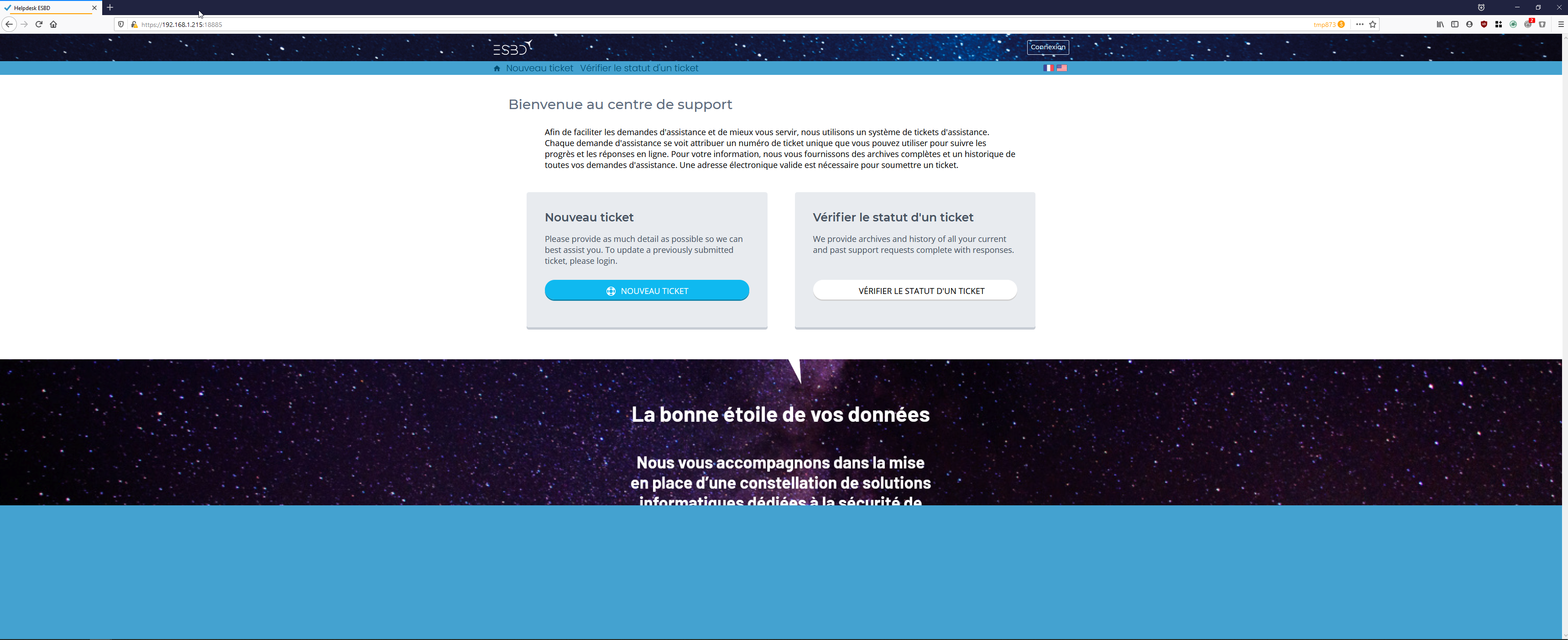
For information, the logo and text in footer are an image inserted as background image in the "osticket" div and the "ostawesome" div have property display:none.
Information for OsTicket installation :
osTicket v1.14.2 // osTicket-1.14.2-Awesome-103
PHP 7.2.31-1+ubuntu16.04.1+deb.sury.org+1 // MySQL 10.0.38 // Apache/2.4.18 (Ubuntu) web server

That definitely is not happening on this end.

It is probably something in your custom CSS. If you turn it off I think this issue will go away.
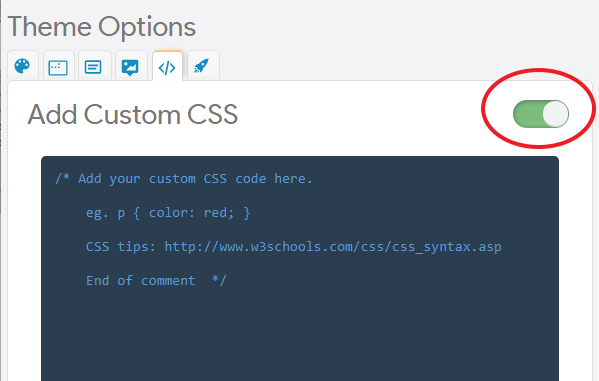
However, you can add this to the bottom of your CSS to override whatever you have that is causing this issue:
#content,
#open-or-check,
#check-ticket,
#complianceouter,
#compliance,
#more-options,
#information,
#footer {
background-image: none !important;
}
Let me know if this helps so I can mark this as resolved.
Hello, I have tried the two solutions but I always the same problem :
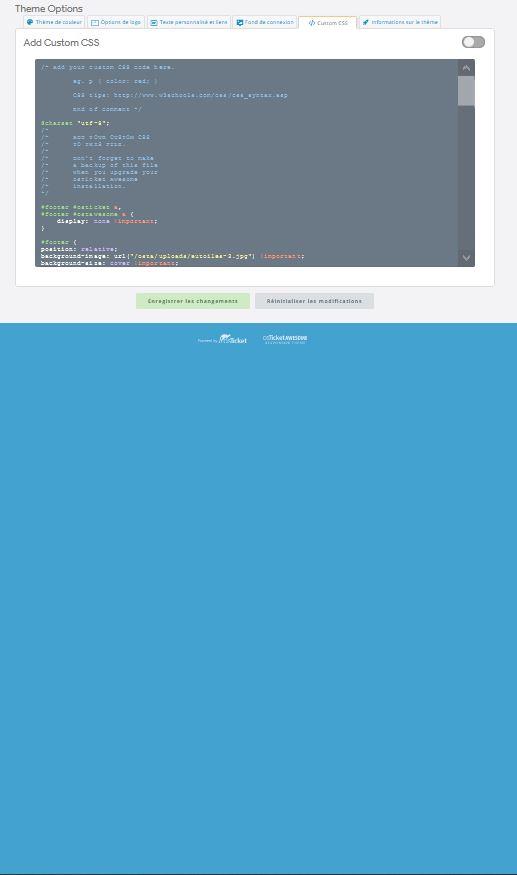
I would like the blue background stop at the bottom of the footer logos (it's the real problem).
And I don't have this on 16:9 or mobile screen.
Thanks.
I'm sorry, but I am really struggling to understand how your last screenshot relates to the first one you posted.
Did the problem on your Client homepage go away after disabling your Custom CSS?
Regarding the blue footer that seems to be really tall, in reality it is not. I designed the background color of the entire page (the <html> tag) to be the same color as the footer.
To illustrate, if you add the following to your Custom CSS...
html {
background: initial;
`}
...you'll see that the footer is actually only 80px tall.
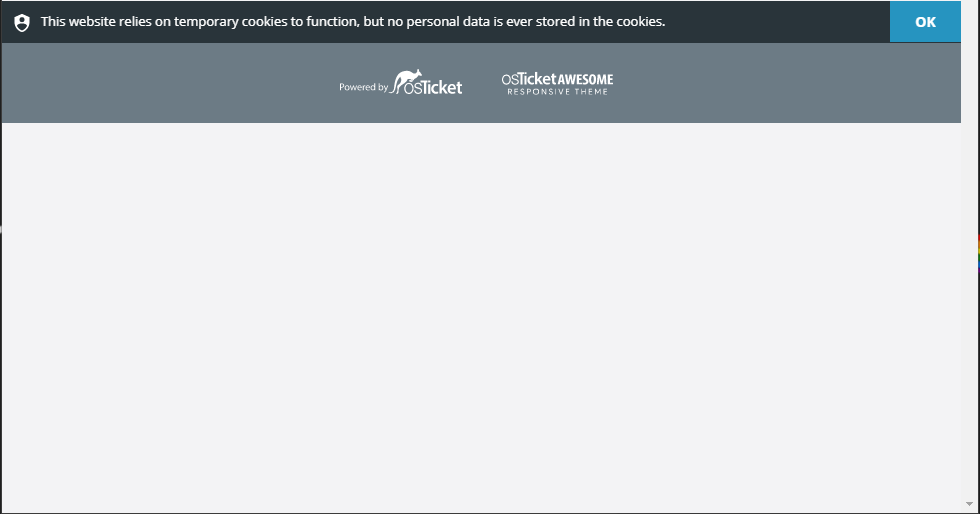
So I really doubt your problem is with the footer. But I honestly don't understand what your problem is.
If you want me to take a look, you can post a link to your support system here or email it to me: info@osticketawesome.com
I have another screen more accurate where you can see the problem (with the css added) :
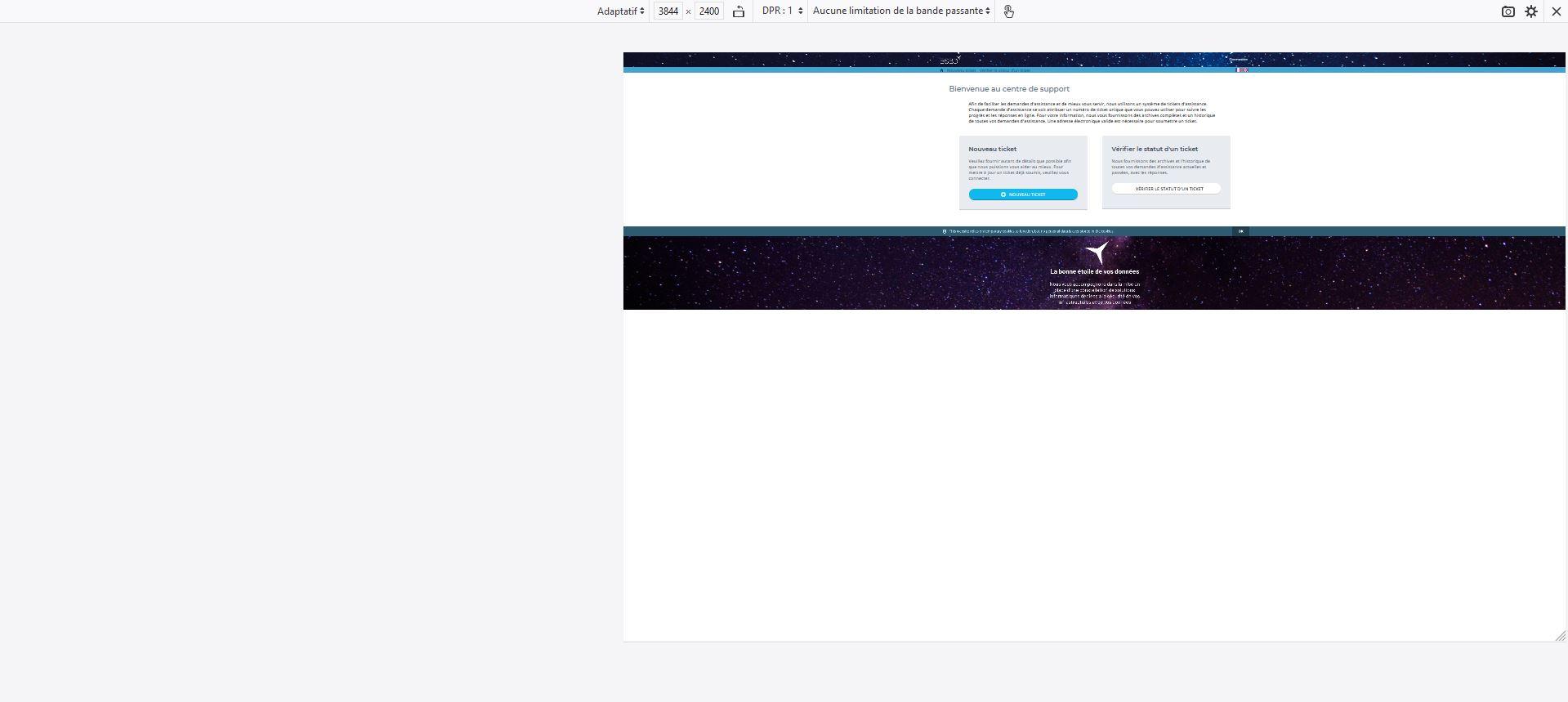
It's the same (but in blue) if I deactivate the custom css.
I think it's linked to the resolution of the screen (the height of the screen is superior to the height of the website or something like that).
I have no clue what you are asking about.
You posted this in the Bugs and Display Issues forum, but I'm starting to wonder if you meant to post it in Modifications.
At first I thought you were saying that your background image (which you are using in the Staff login screen and the Client and Staff Headers) is unintentionally appearing in your footer.
But I found your site (I had to do some sleuthing, as you did not provide me a link as I requested).
I've looked at your code and I see that you are intentionally adding your own CSS modifications as to the footer I suspected:
#footer {
position: relative;
background-image: url(/osta/uploads/eutoiles-2.jpg) !important;
background-size: cover !important;
background-repeat: no-repeat !important;
background-position: center !important;
height: 300px;
width: 100%;
margin: 0;
}
@media (max-width: 600px) {
#footer {
max-height: 200px;
}
}
#osticket {
width: 100% !important;
background-image: url(/osta/uploads/footer.png);
background-position: center;
background-repeat: no-repeat;
background-size: contain;
height: 100%;
}</p>
<p>
So what exactly is the problem?
Are you trying to get your background image to take up the entire empty area where the footer and blue background usually is?
If I am now understanding you correctly, the problem is that you've specified the height as 300px.
In HTML you can specify width as 100% or as auto or all sorts of useful things, but there is no equivalent "take up all of the remaining space" attribute for height.
I am going to mark this as 'Resolved' because this is far beyond the type of support that I offer for free. But if this really is a bug or display issue with osTicket Awesome, let me know.