
Have you checked these first?
Help us help you: include your environment details. We've made this easy for you. Use the Copy System Info button in Admin Panel › osAwesome › Diagnostics, then paste below.

Note: Never paste the contents of your ost-config.php file here; it holds your database credentials.
Two quick checks before posting: try clearing your browser cache, and press SHIFT+O on any Staff Panel page to enter Safe Mode (a stock osTicket with no enhancements). If the problem still shows in Safe Mode, it's in osTicket itself, not osTicket Awesome. But let us know about the issue either way.
Help us help you: include your environment details. We've made this easy for you. Use the Copy System Info button in Admin Panel › osAwesome › Diagnostics, then paste below.
This forum is public. Never post order numbers, full license keys, email addresses, or payment details.
This is the place for general questions about how billing and licensing work — renewals, activation, staging slots, plan differences, and what happens when a license lapses.
For anything tied to your specific account, refund, or payment, contact us directly instead.

Hello, it seems that after implementing
osTicket v1.14.3 // osTicket-1.14.3-Awesome-102a
PHP 7.0.33-0+deb9u9 // MySQL 10.1.45 // Apache/2.4.25 (Debian) web server
When you go to the admin panel and try to add permissions to the agent. The role drop down does not work. After pressing save and the page errors the drop down becomes enabled with the right values. Previous added roles are changeable.

Hi @cbotts,
Sorry for the late reply.
Unfortunately, I can not reproduce the issue you've described. I'm not entirely certain that I understand what you are trying to do from your description.
And actually it sounds like the type of thing that is unlikely to be an osTicket Awesome issue... it is probably an issue with osTicket itself.
So let's rule that out first. Please go to the page where you have that issue. Now press SHIFT + O on your keyboard. You are now on the same page, but using vanilla osTicket. Now attempt the same operation. Do you still have the issue? If yes, it has nothing to do with osTicket Awesome. But let me know either way!
I also wonder if perhaps the account that you are logged into is not an administrator account and therefore doesn't have permission to modify permissions for other Agents. But this is just a guess.
When you say that you are trying to add permissions and the role drop down does not work, it sounds like you are on the Access tab (Admin Panel > Agents > agent > Access). Is this correct?
Assuming I understand you correctly, you'll see what I mean below... I can't reproduce the issue on this end. In fact, I can modify and save all of the options in the Manage Agent area.
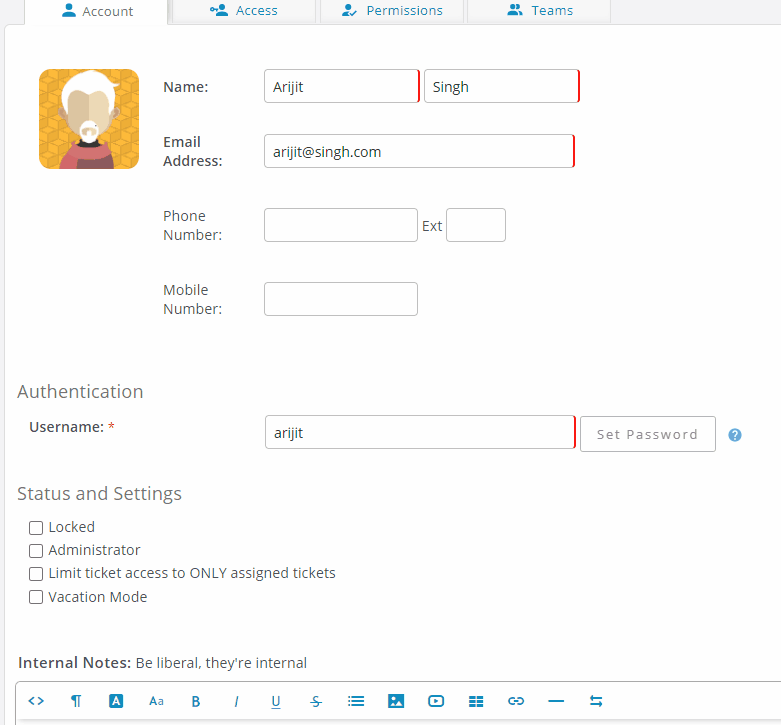
I will keep this open and await your clarification.
Yes your correct. Also my account is flagged as an administrator.
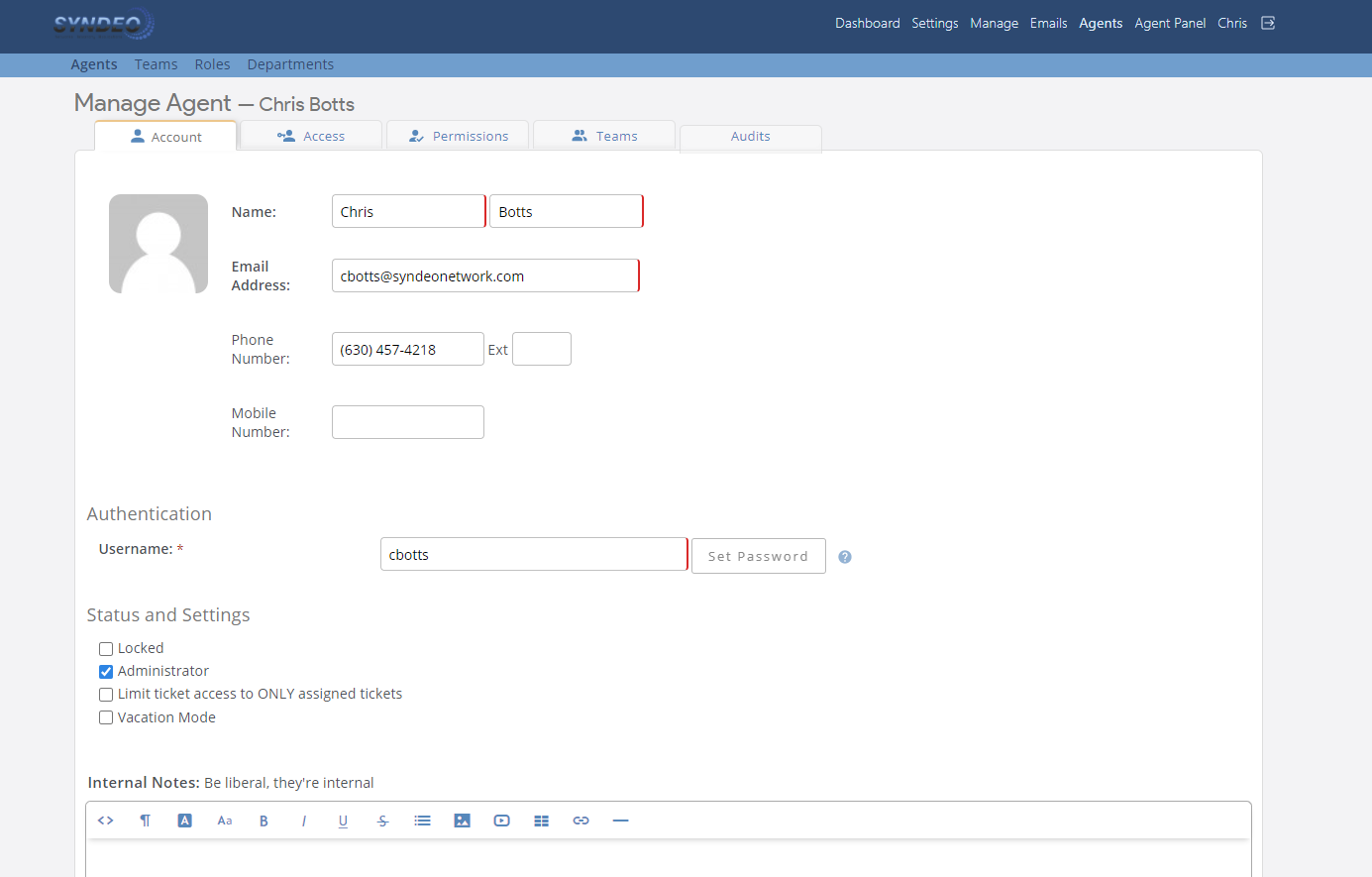
When I click add it places it in the list, but when I click the drop down it does not function. Only after I hit save and get an error about no role assigned does the drop down work. I tested as you suggest by hitting shit + o and it works as normal in the osticket core. but does not work in osticket awesome.
I have also tried multiple pc and browsers.
Here is a link to an mp4 that I recorded which it happening.
https://drive.google.com/file/d/14DMy-CIPuf8JfRYUYwBaX-NmSDjqFIeW/view?usp=sharing
Okay, I think I am a bit more clear on what you are saying.
It isn't that Roles cannot be changed.
The issue is that you have to add the Department and hit Save Changes before you can specify the Role.
Whereas in vanilla osTicket you can add the Department and specify the Role in one step.
Are we on the same page?
Correct I assumed it was a possible bug since in the core osticket it can be done all at one visit.
If you feel it's working correctly I can work with it that way if needed
Hello, we discovered that this happens in the manage ticket filters as well.
There is no away around that either as saving does not error. It simply removes the added rule.
Please advise
Figured I would share the server info.
Server Information
osTicket Version
v1.14.3 (f4f5bc6) — Up to date
Web Server Software
Apache/2.4.25 (Debian)
MySQL Version
10.1.45
PHP Version
7.0.33-0+deb9u9
PHP Extensions
gdlib
Used for image manipulation and PDF printing
imap
Used for email fetching
xml
XML API
xml-dom
Used for HTML email processing
json
Improves performance creating and processing JSON
mbstring
Highly recommended for non western european language content
phar
Highly recommended for plugins and language packs
intl
Highly recommended for non western european language content
fileinfo
Used to detect file types for uploads
zip
Used for ticket and task exporting
APCu
Improves overall performance
Zend Opcache
Improves overall performance
PHP Settings
cgi.fix_pathinfo
"1" is recommended if AJAX is not working
date.timezone
Setting default timezone is highly recommended
Database Information and Usage
Schema
support (localhost)
Schema Signature
4bd47d94b10bd8a6bab35c119dadf41f
Space Used
24675.33 MiB
Space for Attachments
24168.58 MiB
Timezone
CDT (Interpreted as America/Chicago)
Hello, I just wanted to give more feedback, The same issue is present in your live demo which is completely separate for our install.
I am going to assume this should now be confirmed as a bug within osticket awesome.
You're right. This is a significant issue. I'm surprised that this hasn't come up sooner. Thank you for your persistence.
The glitch with drop down forms on both pages will be fixed in the next release. But for now, please open /osta/inc/staff-foot.html and change line 42 from
$("select:not(#timezone-dropdown):not(select#user-name):not(select#cc_users_open)").select2({
to
$("select:not(#access select):not(tbody#rules):not(.filters-page select):not(select[name^=\"rules\"]):not(#timezone-dropdown):not(select#user-name):not(select#cc_users_open)").select2({
And if you come across any other glitchy drop-down lists please do not hesitate to let me know.