
Have you checked these first?
Help us help you: include your environment details. We've made this easy for you. Use the Copy System Info button in Admin Panel › osAwesome › Diagnostics, then paste below.

Note: Never paste the contents of your ost-config.php file here; it holds your database credentials.
Two quick checks before posting: try clearing your browser cache, and press SHIFT+O on any Staff Panel page to enter Safe Mode (a stock osTicket with no enhancements). If the problem still shows in Safe Mode, it's in osTicket itself, not osTicket Awesome. But let us know about the issue either way.
Help us help you: include your environment details. We've made this easy for you. Use the Copy System Info button in Admin Panel › osAwesome › Diagnostics, then paste below.
This forum is public. Never post order numbers, full license keys, email addresses, or payment details.
This is the place for general questions about how billing and licensing work — renewals, activation, staging slots, plan differences, and what happens when a license lapses.
For anything tied to your specific account, refund, or payment, contact us directly instead.

Hi,
we have after upgrading to Version 1.17.2 issues with the autosave function. So when a customer is open a new ticket or create an answer to an existing ticket the javascript autosave does not work. We get an JS alert info window:

It is also not possible then to send the answer because of this issue:
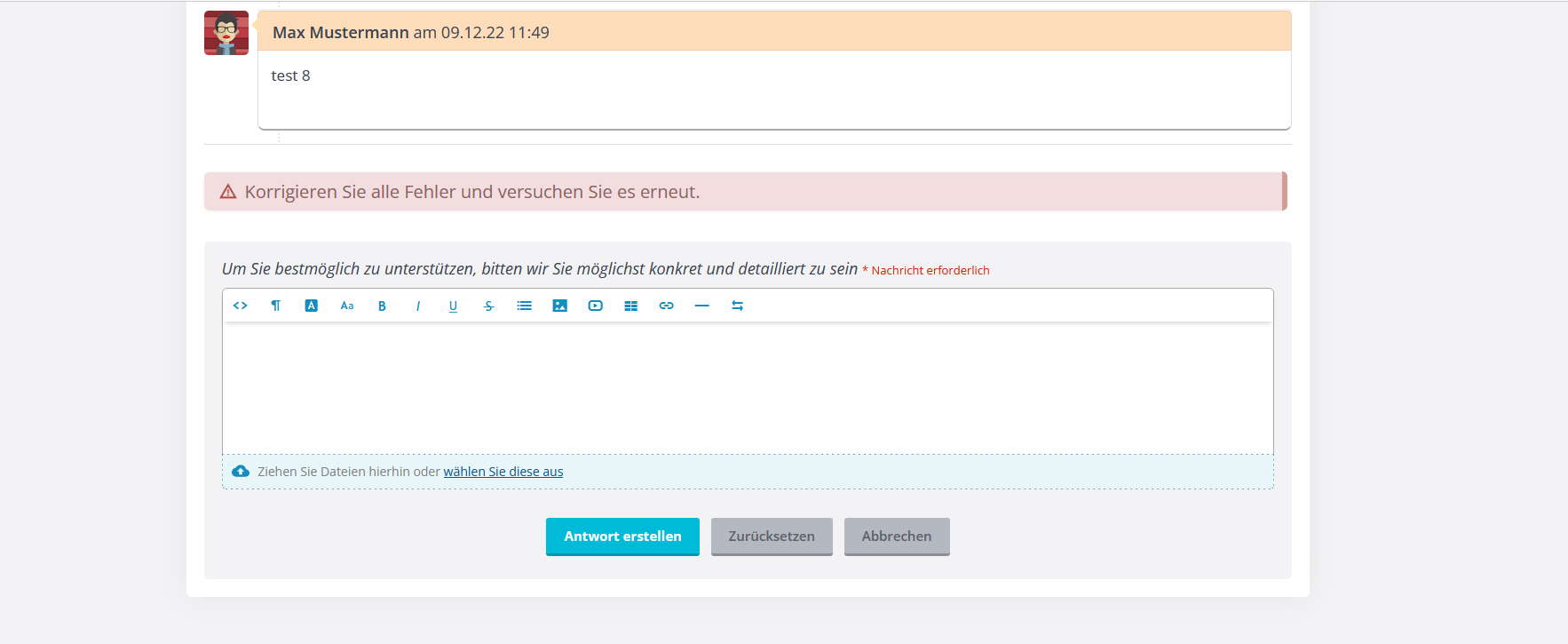
We use it on apache webserver with PHP 8.0.2. Delte the browsercache does not help.
Anyone know what could be the reason?
regards, Norman

Hi Norman, I'm sorry for the delay in responding. Your post was mysteriously marked as "Pending" and I had to approve it for some reason (I've never had to do that before).
I used Google Translate to figure out the error you're seeing:
Undefined. Cannot save the draft. Refresh the current page to restore your draft and continue.
This is a problem with osTicket itself... it is not an osTicket Awesome issue.
But, if you're still having trouble, you will find the solution here:
In your case you are already running osTicket 1.17.2 (albeit osTicket-1.17.2-Awesome-101). So you'll just need to apply the patch.
1. Open include/class.usersession.php
2. Replace line 140
if (isset($_SESSION['TIME_BOMB'])
with this...
if ($_SERVER['REQUEST_METHOD'] === 'GET'

          && isset($_SESSION['TIME_BOMB'])
I hope this helps!
Hi Stevland,
thanks that works.

Hello, the same error happens when creating a new FAQ entry. Then saving it and re-opening it to add the other languages. When then entering the other languages (we have 2 others next to German), an autosave error appears.