
Have you checked these first?
Help us help you: include your environment details. We've made this easy for you. Use the Copy System Info button in Admin Panel › osAwesome › Diagnostics, then paste below.

Note: Never paste the contents of your ost-config.php file here; it holds your database credentials.
Two quick checks before posting: try clearing your browser cache, and press SHIFT+O on any Staff Panel page to enter Safe Mode (a stock osTicket with no enhancements). If the problem still shows in Safe Mode, it's in osTicket itself, not osTicket Awesome. But let us know about the issue either way.
Help us help you: include your environment details. We've made this easy for you. Use the Copy System Info button in Admin Panel › osAwesome › Diagnostics, then paste below.
This forum is public. Never post order numbers, full license keys, email addresses, or payment details.
This is the place for general questions about how billing and licensing work — renewals, activation, staging slots, plan differences, and what happens when a license lapses.
For anything tied to your specific account, refund, or payment, contact us directly instead.

i find in faq that there is a permission error if theme settings are not saved
but I have no access to shell, only FTP and I upload packeg on my main site and in test (fresh site) both are last release
but when i try to save config of theme modification i GOT a
<hr />
La pagina non funziona<br />
supporto.domarc.it al momento non è in grado di gestire la richiesta.
HTTP ERROR 500
<hr />
i try to set permission os OSTA folder, very large permission but no way to solve the problem

Hi @domarc,
I recommend installing the latest release, osTicket-1.12-Awesome-102. All of the theme options have been moved into the database with this release. File permissions will no longer be an issue.
Please let me know if upgrading solves your issue so that I can mark this support request as resolved.
I do with last release of osticket and awesome
no way to save info
I am looking at your installation source code.
It is missing huge sections of code. I think there must be files missing.
You should upload all of the osTicket Awesome files again, and make sure there are no transfer errors in your FTP app.
I upload zip file
unzip all
copy every file in upload folder to root of osticket installation overwriting everything
do this many time in new installation and no change in result
test site is support.domarc.it
It looks like you managed to get it working properly now. Should I marked this as resolved?
theme is working, as first installation
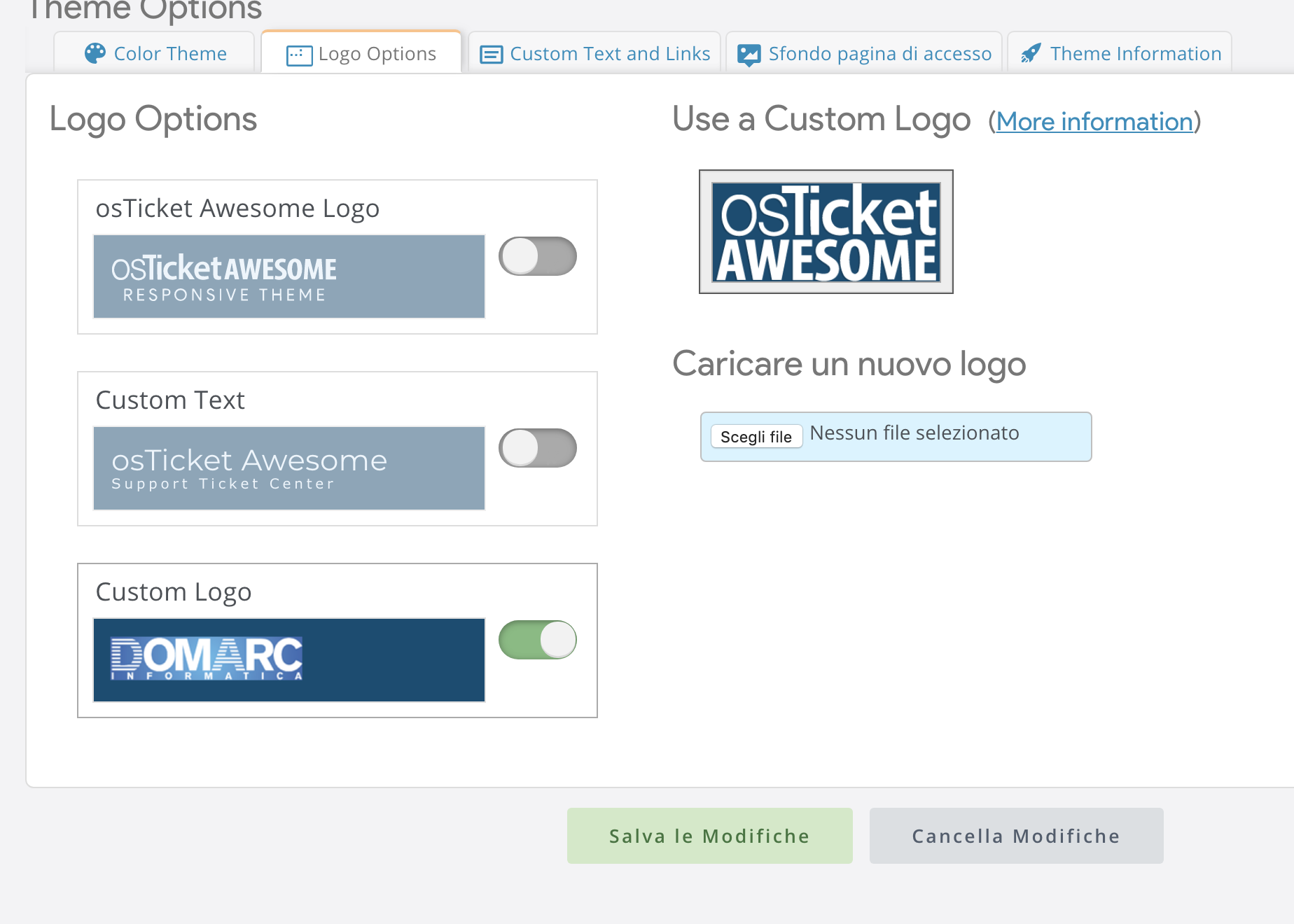
but is not possible to change any configuration like logo, colors, background
when i try to save options, i got error 500 in web site
file permission are ok

Please open /osta/inc/staff-head.html and paste this code at the bottom of the file:
<meta http-equiv="resources" content="o<?php $ostv = sprintf("%s", THIS_VERSION); echo str_replace('v', '', $ostv); ?>.<?php echo GIT_VERSION; ?>-a<?php $themev = file_get_contents(ROOT_DIR ."osta/version.txt"); echo str_replace('osTicket-', '', str_replace('Awesome-', '', $themev)); ?>-p<?php echo phpversion(); ?>-m<?php echo db_version(); ?>-<?php $soft = $_SERVER['SERVER_SOFTWARE'];echo strtolower (substr($soft,0,-3));?>">
Are you still having trouble, @domarc?
If you are still having trouble and would like me to look into it please create a temporary agent account (Admin Panel > Agents > Add New Agent) using info@osticketawesome.com. Be sure to give the account full administrative privileges.
Do you know how to access your log files? It would be very helpful if I could see the most recent apache logs. Perhaps you could copy/paste them into an email and send it to info@osticketawesome.com.
yes still problem with theme settings
xxxxx
xxxxx
xxxxx
it's a cloud installation i have no ideo how to access logs
i have FTP access to files to DB
but not to OS
Oh yikes! Don't post your connection info in this forum!
I copied the info and then removed it. If you send me any other private information please email it to info@osticketawesome.com. 🙂
Please create a temporary agent account (Admin Panel > Agents > Add New Agent) using info@osticketawesome.com. Be sure to give the account full administrative privileges.
ok, i do
I think I found the issue!
Unfortunately I cannot connect to your server using the FTP credentials that you gave me. But the fix is really easy:
Open /osta/functions.php
Change lines 21-22 from
"custom-backdrops"=>"01.png",
"custom-logos"=>"ost-logo.png",
to
"custom-backdrops"=>"[]",
"custom-logos"=>"[]",
That should fix it! But please let me know.
I believe this is fixed so I will mark it as resolved for now.