
Have you checked these first?
Help us help you: include your environment details. We've made this easy for you. Use the Copy System Info button in Admin Panel › osAwesome › Diagnostics, then paste below.

Note: Never paste the contents of your ost-config.php file here; it holds your database credentials.
Two quick checks before posting: try clearing your browser cache, and press SHIFT+O on any Staff Panel page to enter Safe Mode (a stock osTicket with no enhancements). If the problem still shows in Safe Mode, it's in osTicket itself, not osTicket Awesome. But let us know about the issue either way.
Help us help you: include your environment details. We've made this easy for you. Use the Copy System Info button in Admin Panel › osAwesome › Diagnostics, then paste below.
This forum is public. Never post order numbers, full license keys, email addresses, or payment details.
This is the place for general questions about how billing and licensing work — renewals, activation, staging slots, plan differences, and what happens when a license lapses.
For anything tied to your specific account, refund, or payment, contact us directly instead.

Greetings,
The external auth image/link to the external auth source is not displaying on the view.php page.
Thanks
Server Information
osTicket Version
v1.10.4 (035fd0a) — Up to date
Web Server Software
nginx/1.14.0
MySQL Version
10.1.34
PHP Version
7.0.30-1+ubuntu18.04.1+deb.sury.org+1

Are you trying to use the LDAP plugin, HTTP/Webserver authentication or...?
I am trying with my own plugin for OpenID. It works on the open.php and the login.php pages and was adapted from the Google oAuth plugin. Something on the page isn't rendering the section properly.
I'll install the Google oAuth plugin and have a look.
So I installed the stock Google oAuth plugin into a copy of osTicket-Awesome-1.10.4-v1.0, configured and enabled it. It appears to be cooperating with the theme, so I don't suspect that the theme is breaking anything. I hope this help you narrow down your focus in your effort to also have your custom plugin work with osTicket Awesome.
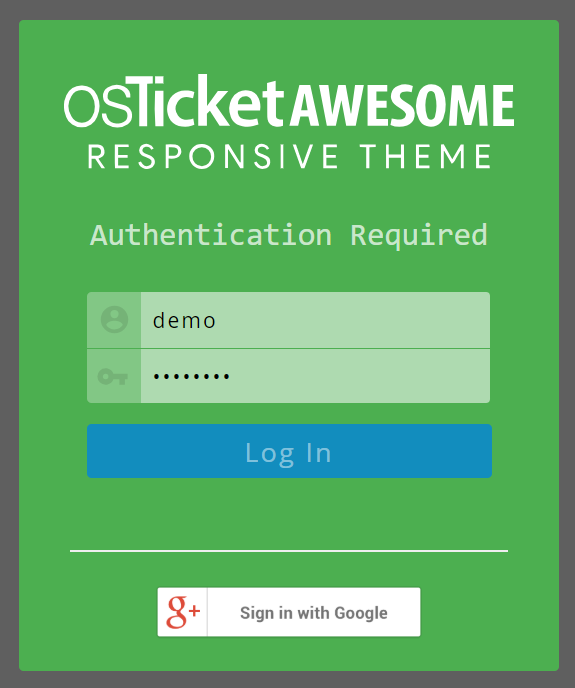
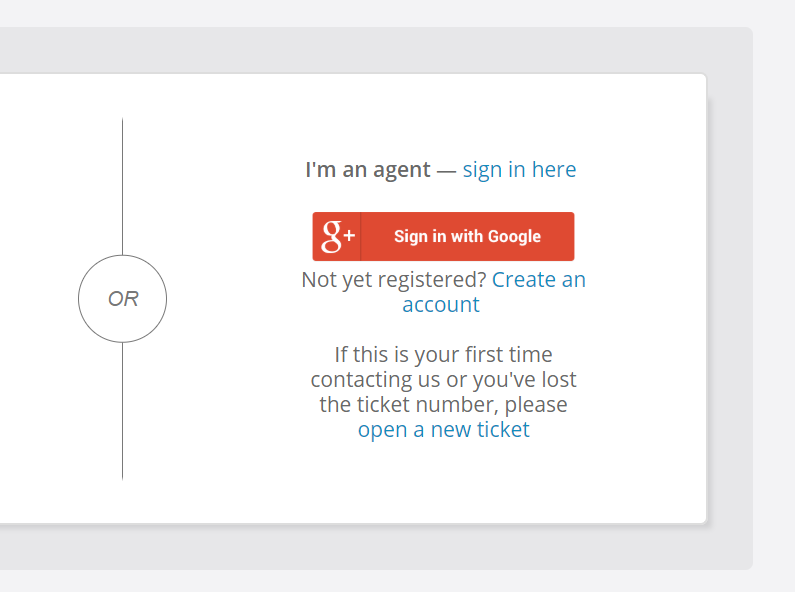
The first is the agent panel and not in scope and is your second from the view.php page? You've cut off the dialog and it's hard to tell. Could you please post a screenshot of your entire view.php login section including the part where it asks for the ticket number?
I'm sorry, you were correct... I was confused about what I was meant to be checking and my screenshot is actually from login.php.
You are also right with regard to the auth button/ link not showing up in view.php. I hadn't noticed that the auth function was not present from this page.
However, I also installed the Google oAuth plugin in a unmodified osTicket 1.10.4 installation.
Here also the Google oAuth function is not available on the view.php page.
Here for your reference:
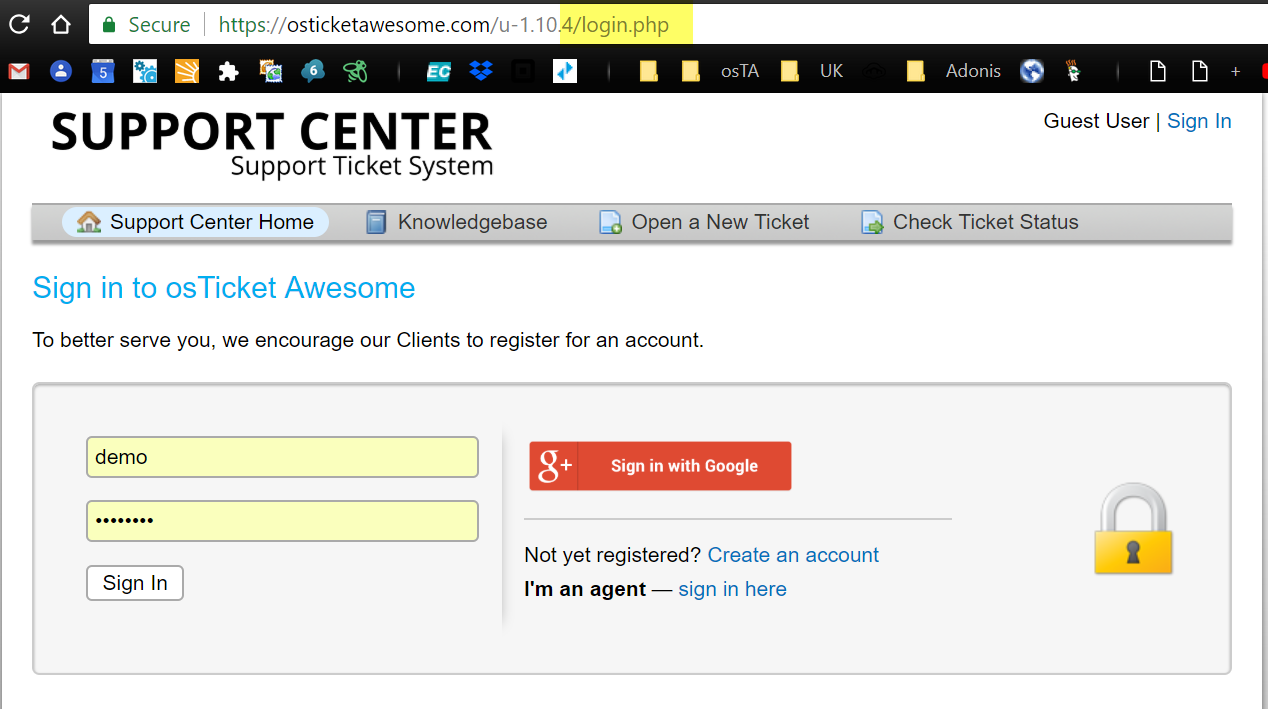
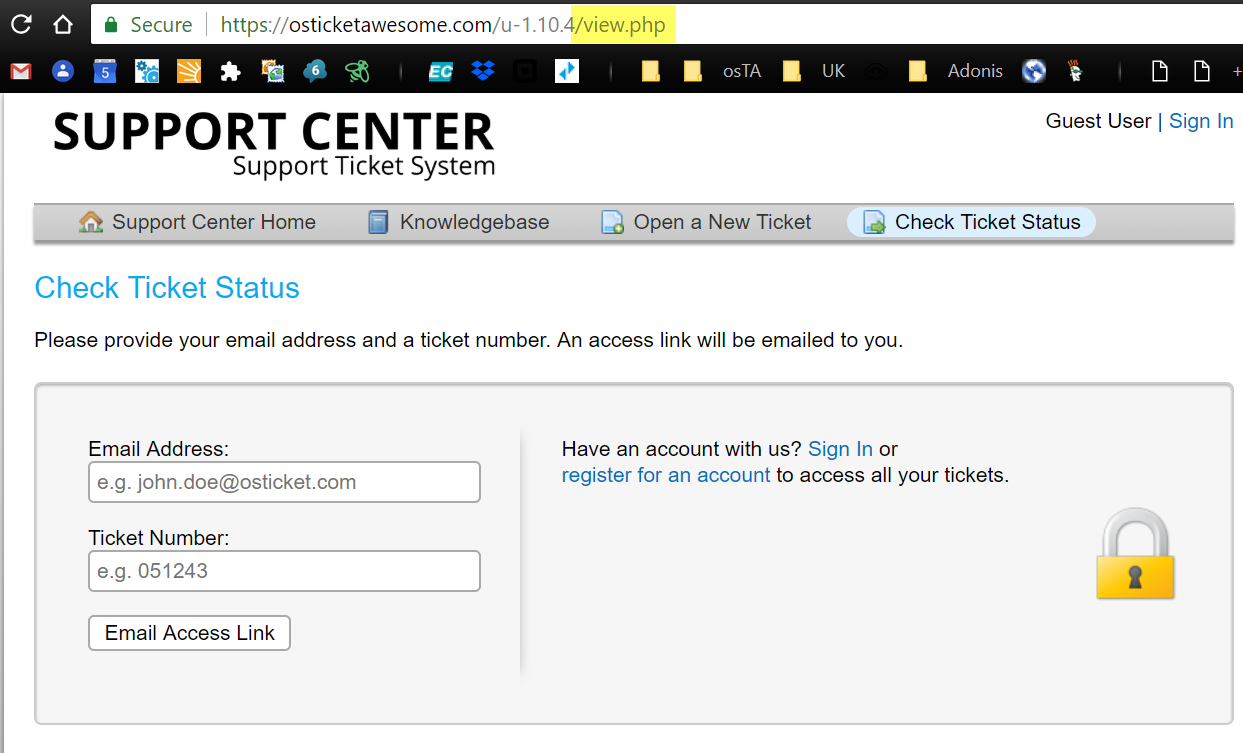
After considering this my interpretation is that the osTicket devs excluded the auth code from view.php intentionally... the page is meant for looking up a ticket using the ticket # and, I assume, if the user wants to select a different authentication method the idea is a) they will click the "Sign in" link and b) they would not likely have ended up on the view.php page in the first place.
I hope this helps.
Thanks for the double checking. I don't have any native installations of osTicket running, just one instance with your theme.
I know my plugin is being called because some JS code I inject is running - I'll just have to engineer around this. I will raise an issue with osTicket and see what they say.
I appreciate the support.
I am happy to help, @cbasolutions.
But for this type of sinereo especially I really feel that you need a working osTicket core installation.
All you need to do is download the 1.10.4 .zip, upload the /upload directory, rename it (optional) and copy over your working /include/ost-config.php.
BTW I also have some other tips for working with mods.