
Have you checked these first?
Help us help you: include your environment details. We've made this easy for you. Use the Copy System Info button in Admin Panel › osAwesome › Diagnostics, then paste below.

Note: Never paste the contents of your ost-config.php file here; it holds your database credentials.
Two quick checks before posting: try clearing your browser cache, and press SHIFT+O on any Staff Panel page to enter Safe Mode (a stock osTicket with no enhancements). If the problem still shows in Safe Mode, it's in osTicket itself, not osTicket Awesome. But let us know about the issue either way.
Help us help you: include your environment details. We've made this easy for you. Use the Copy System Info button in Admin Panel › osAwesome › Diagnostics, then paste below.
This forum is public. Never post order numbers, full license keys, email addresses, or payment details.
This is the place for general questions about how billing and licensing work — renewals, activation, staging slots, plan differences, and what happens when a license lapses.
For anything tied to your specific account, refund, or payment, contact us directly instead.

Int eh admin dashboard, in mobile, there are things cutoff. But not in the demo.
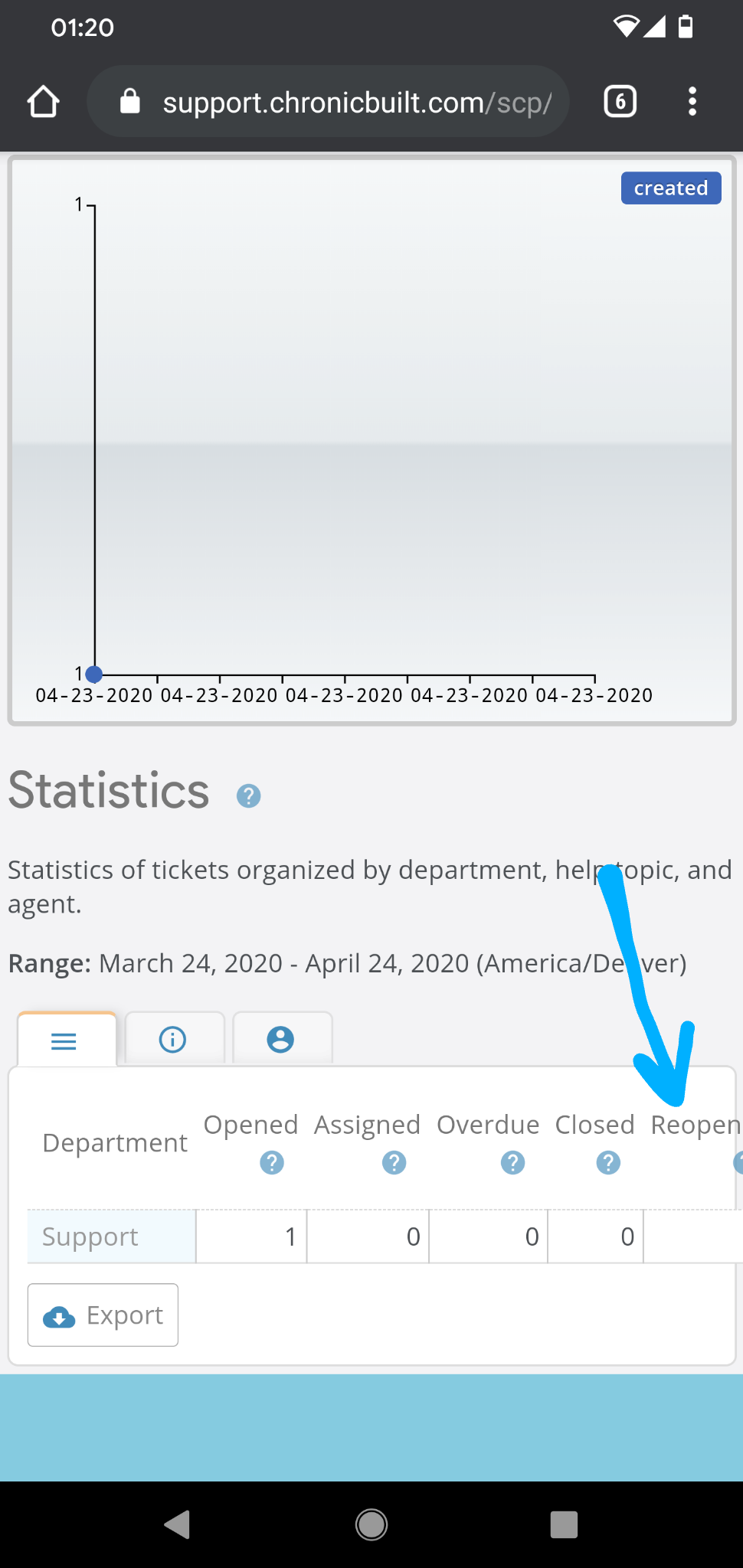
On the main page after login in the admin ticket area, the bottom of the ticket is cutoff, but only in mobile. Not in the demo though.
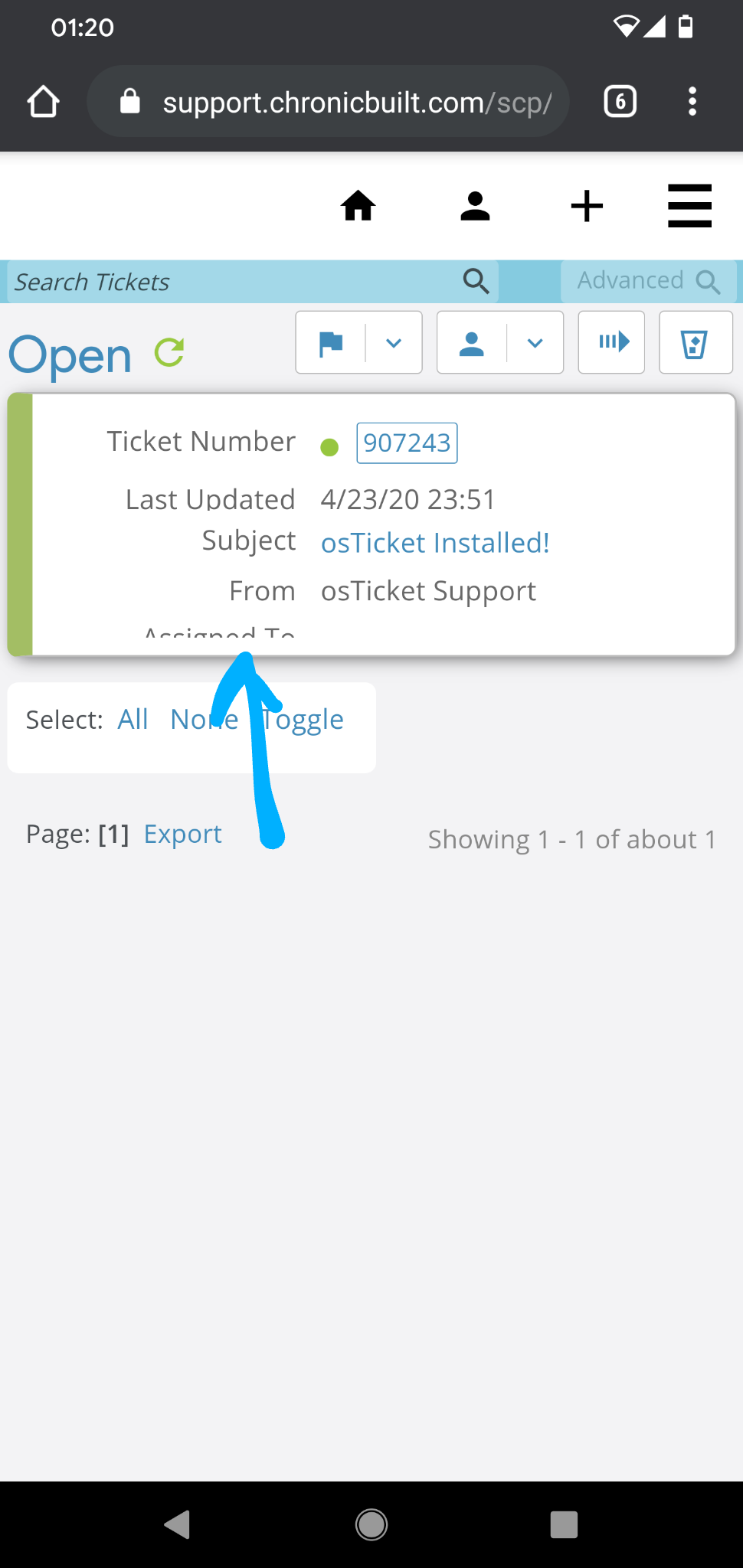
Pleas help me
PHP 7.4.4 // MySQL 10.2.31 // Apache/2.4.41 (Unix) OpenSSL/1.1.1 web server
Could you please fix this for me? I have emailed you all my login information.

Hi @tank,
Just to be clear, I can't fix these things for your installation specifically. That isn't how this works.
I do appreciate the report, however. I have added these two glitches to my list of things to fix for a future release.
P.S. I'm pretty sure the glitch in your second screen shot will fix itself once you have more tickets.
If I remember correctly, that only shows up when you have no tickets in the list with an assignee. Once you assign a ticket to someone the issue will disappear. But let me know if this is not the case.
Thanks. I'll try
I don't understand what you mean by "that isn't how it works". I thought you told me via email that you'd login with the details I gave you and fix the glitches really quickly?
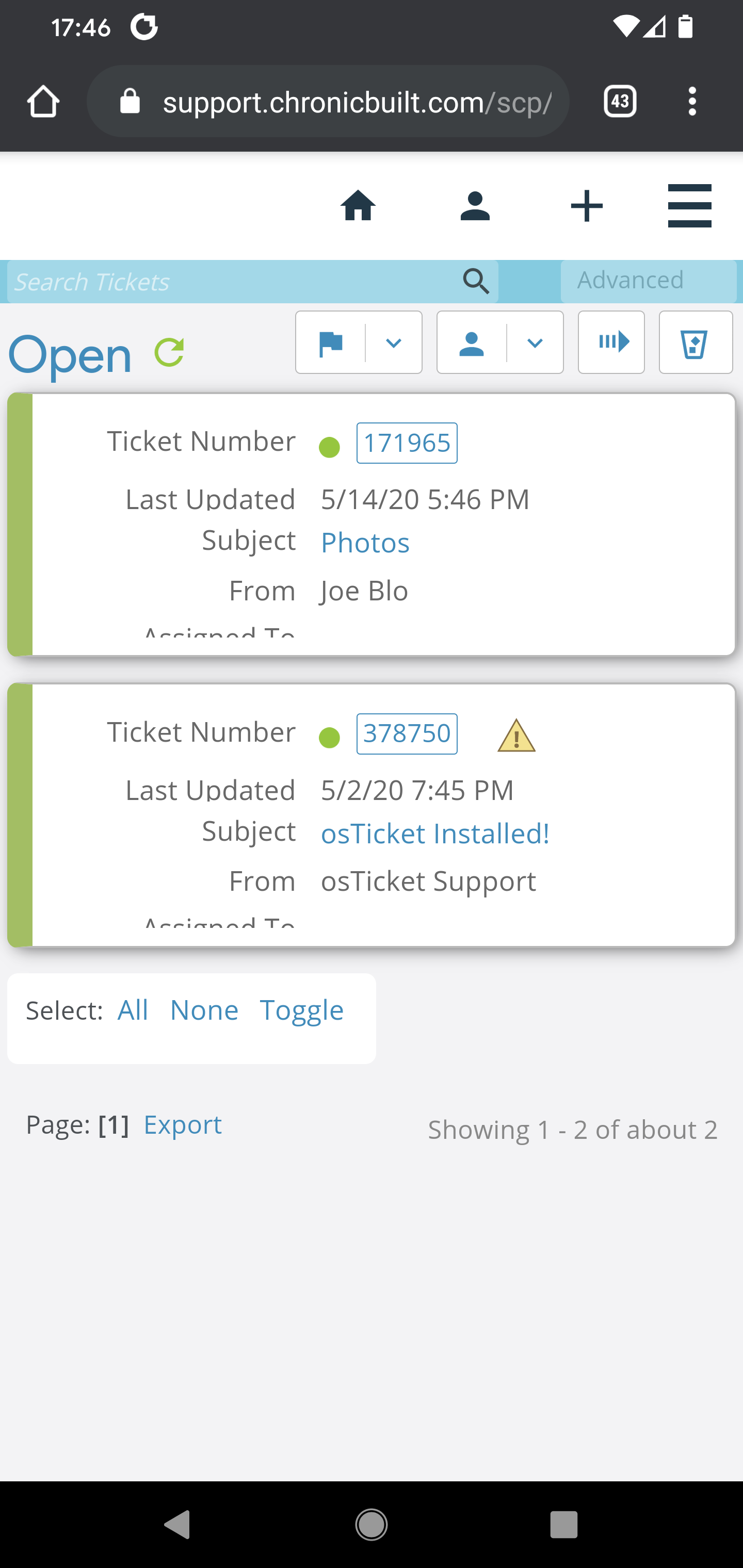
It's still doing the same thing after adding another ticket..
I can pay you.
I don't remember the situation, but when I said that I would log in and assist you it must have been a different scenario.
If you look through these forums, you'll find hundreds of little glitches like these that have been reported by users. I always fix them, but when I do they are fixed in the next release so that everyone benefits.
I appreciate your offer to pay me. I will have to gracefully decline that for now because I am already behind on getting the next release ready.
In any event, all you need to do is assign one of those tickets to an agent and the issue will be resolved.
I am sorry. I must have misunderstood.
It is just that there is no ticket assigned. Once tickets are assigned, it doesn't look like that. It is NOT a bug or a glitch.
RESOLVED