
A helpdesk that works at any scale.
At its simplest, osTicket is a place to manage work. One person, tracking jobs, capturing details, keeping notes, never losing track of a request. That’s how thousands of osTicket installations start. One agent, one department, a few tickets a week.
The sophistication is there when you need it. SLA targets, automated routing, custom intake forms, multi-department workflows, role-based permissions. But none of it gets in your way until you invoke it. A one-person operation and a 500-agent enterprise see the same clean interface. The difference is what’s running under the hood.
Over 5 million deployments. 20 years of continuous development. 190+ countries. This is the engine osTicket Awesome is built on.

No Surprises
Everything below is included on every plan.
No feature-gating. No tier upgrades for basics. No per-agent math before you can add a new staff member.

Incoming
Email-to-Ticket Pipeline
Every email to your support address becomes a ticket. Automatically. IMAP and POP3 polling, SMTP replies, OAuth2 authentication for Microsoft 365 and Google Workspace.
Multiple departments can each have their own email address, their own routing, their own auto-responses.

Routing
Custom Forms and Help Topics
Every type of request gets its own intake form. IT issues collect asset tags. HR inquiries collect employee IDs. Facilities requests collect building numbers.
When a ticket arrives, it’s already routed, already prioritized, already assigned to the right team. No triage step.

Accountability
SLA Management
Set service-level targets by department, priority, or help topic. Define grace periods. Configure automated alerts before deadlines pass and escalation rules for when they do.
Your team never misses a commitment. Your customers never wonder whether their request fell into a void.

Self-Service
Customer Portal and Knowledge Base
Your customers can submit tickets, check status, and search your knowledge base without emailing you. Self-service that actually reduces your agents’ workload.
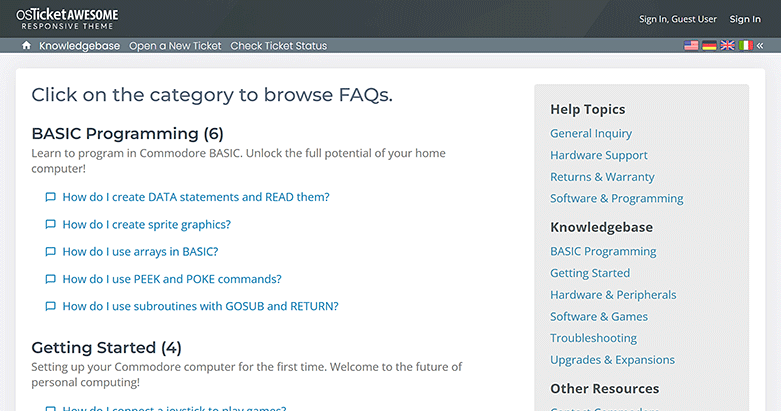
Categories, featured articles, and search. Customers find answers before they ask. Every deflected ticket is time your team gets back.

Security
Enterprise Authentication
LDAP and Active Directory integration. OAuth2 and Single Sign-On for Microsoft 365, Google Workspace, and other providers. Two-factor authentication via TOTP. Password policy enforcement.
All authentication plugins are pre-installed and ready to enable. Plugins that connect to external directories require your server credentials to be configured.

Transparency
Full Source Code Access
Not “open core” with critical features behind a paywall. Not ionCube-encrypted binaries you can’t inspect. Not a SaaS product where the code runs on someone else’s servers.
The complete source code. On your server. Readable. Auditable. Modifiable. No vendor lock-in.
And everything else.
Ticket Routing and Filters
Rules that evaluate incoming tickets and act automatically. Assign by department, set priority, reject spam, auto-respond. Regex-capable.
Agent Collision Avoidance
Two agents can’t reply to the same ticket simultaneously. Lock indicator prevents duplicate replies and confused customers.
Canned Responses
Pre-written templates with variable substitution. Agent name, customer name, ticket number — all inserted automatically. Consistent messaging from day one.
Multi-Department Support
IT, HR, Facilities, Finance. Each department gets its own email, SLA plans, staff roster, and workflows. One system, one login.
Role-Based Access Control
Granular permissions per agent and department. Create custom roles — Read Only for auditors, Limited Agent for interns, or anything your org requires.
REST API
Full read/write access to tickets, users, and organizations. Standard REST, JSON payloads, API key auth. Build custom integrations your way.
Task Management
Internal tasks alongside tickets. Assign work, set due dates, track completion. Recurring maintenance and follow-ups without cluttering the queue.
49 Language Packs
Every officially supported language pre-installed. Full RTL support for Arabic, Hebrew, Persian, and Urdu. Language switcher with country flags.
Custom Queues and Columns
Build filtered views of your ticket data and save them as named queues. Choose which columns display. Every department and agent gets exactly the view they need.
The Gap
The most capable open-source helpdesk in the world has one problem.
Its design hasn’t kept up with its engine.
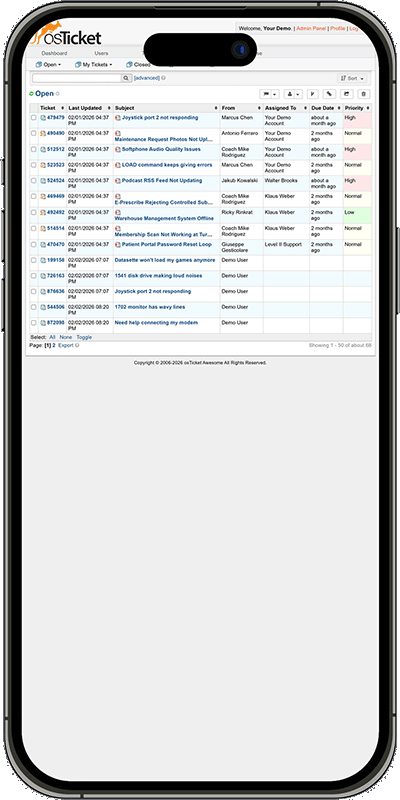
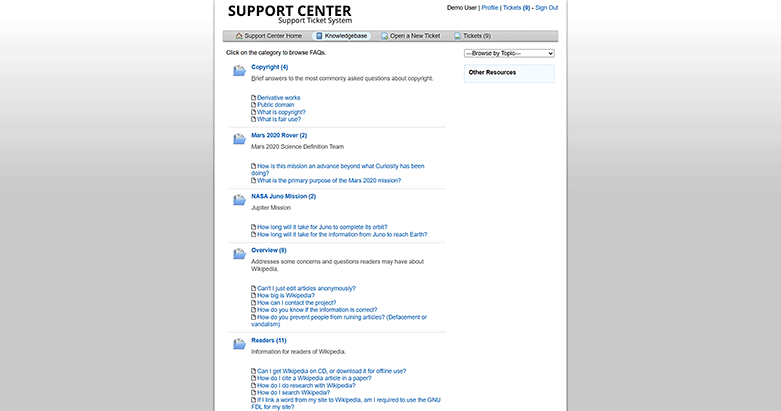
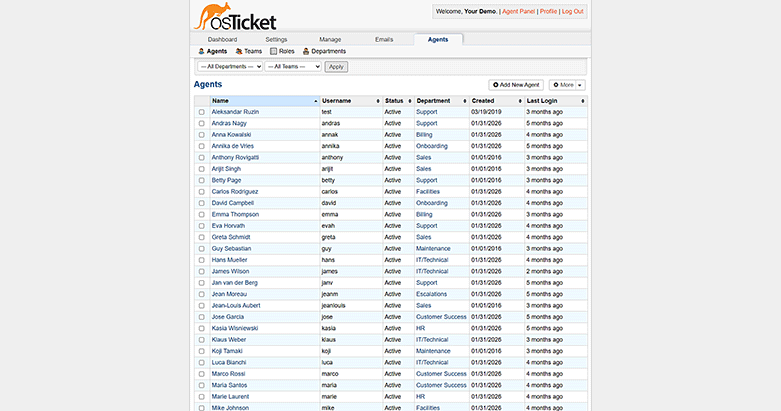
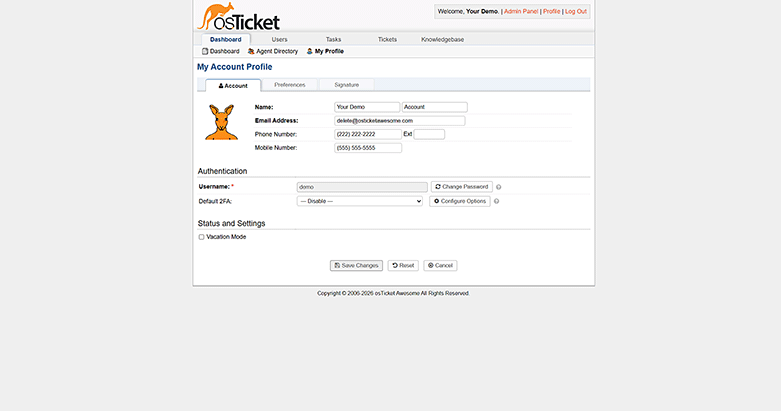
The staff panel isn’t responsive. The client portal doesn’t work on phones. There’s no dark mode, no keyboard shortcuts for common actions, no visual priority system in the ticket queue. The default appearance hasn’t changed meaningfully in over a decade.
None of this affects functionality. osTicket works exactly as well on a 5-inch screen as on a 27-inch monitor; the data is all there. But using it on a phone is painful. And showing the client portal to your customers means showing them an interface that looks like it was built in 2008.
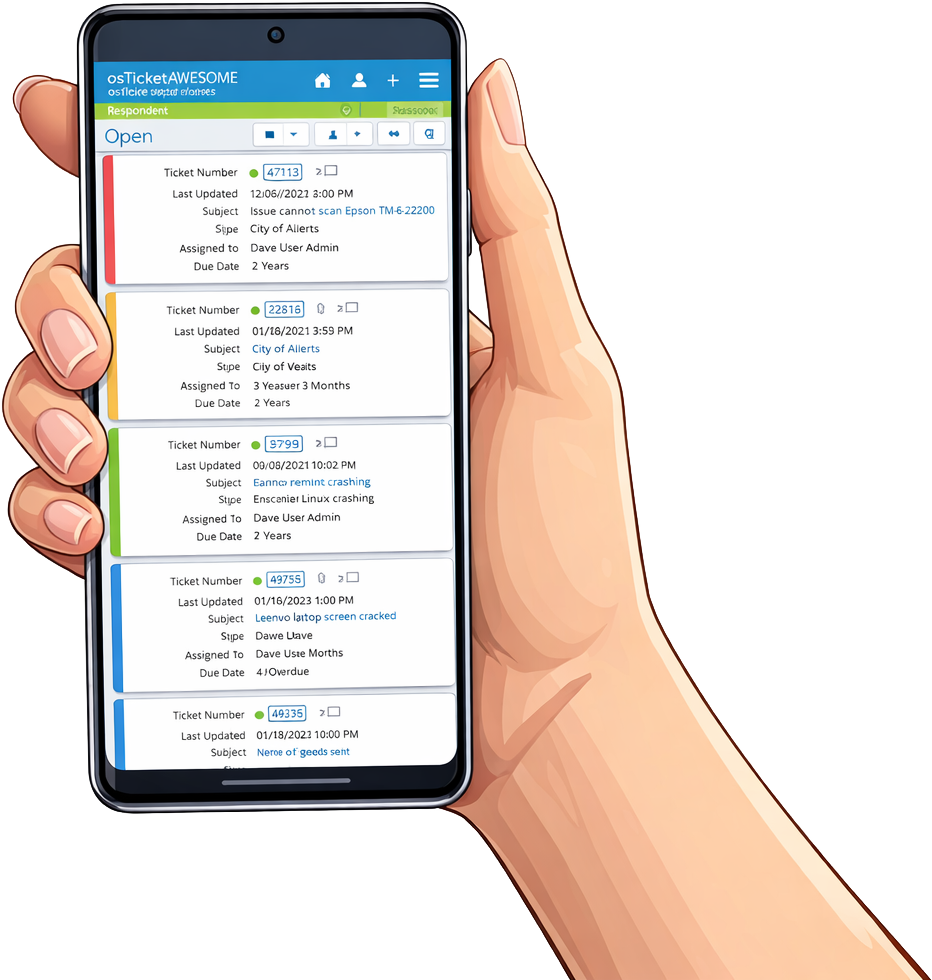
Unfortunately, this is what osTicket looks like on your phone. →
The Enhancements
osTicket Awesome is what happens when that problem gets solved.
Same engine. Same data. Same reliability. Same cost advantage. Completely different experience.
osTicket Awesome is a maintained distribution of osTicket. Every upstream release goes through a three-way merge with 30+ enhancements, then ships as a single, tested, production-ready package. One download. One installation. Everything included.
Every Screen
Every screen. Every device.
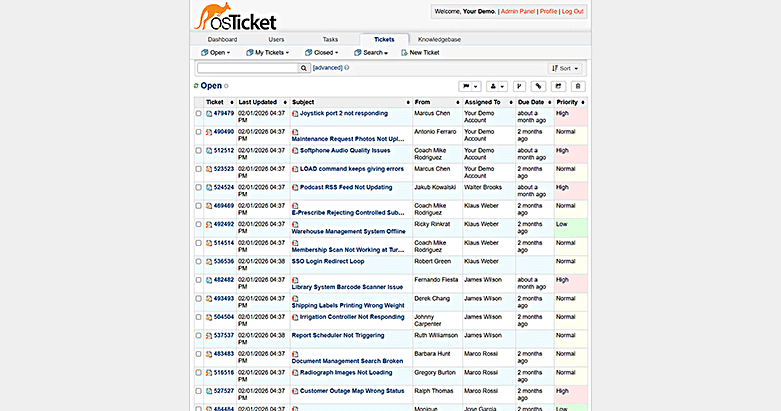
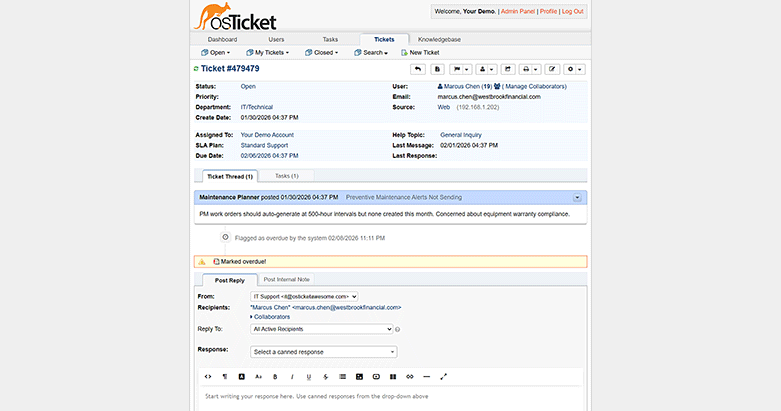
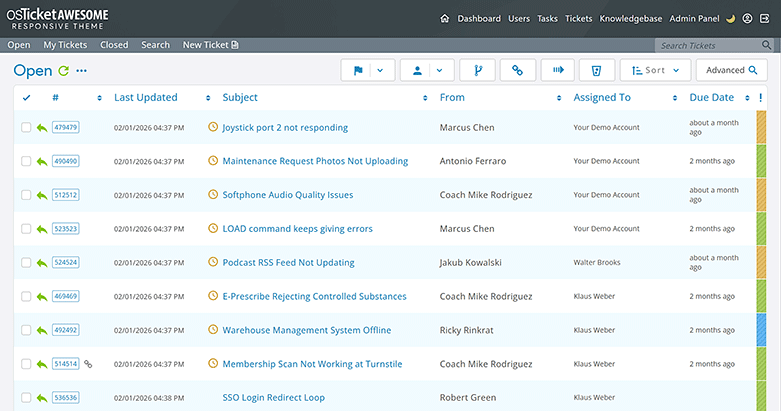
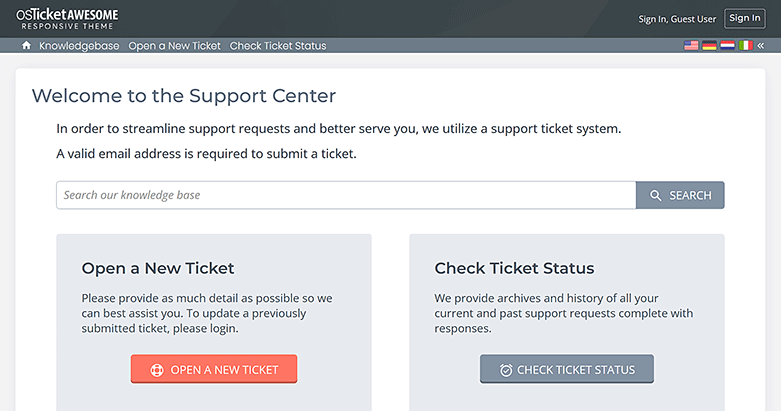
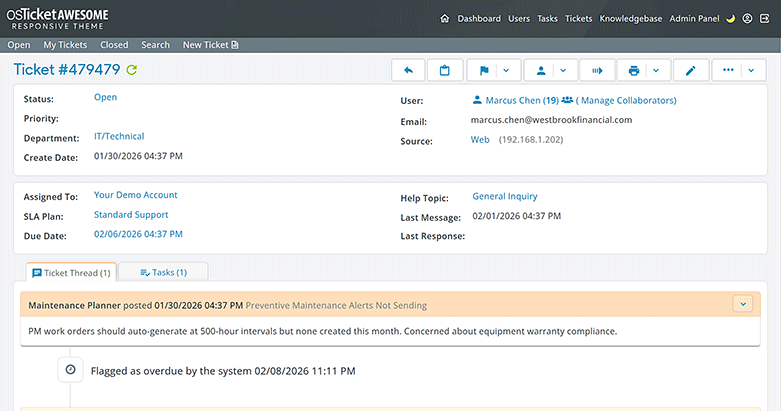
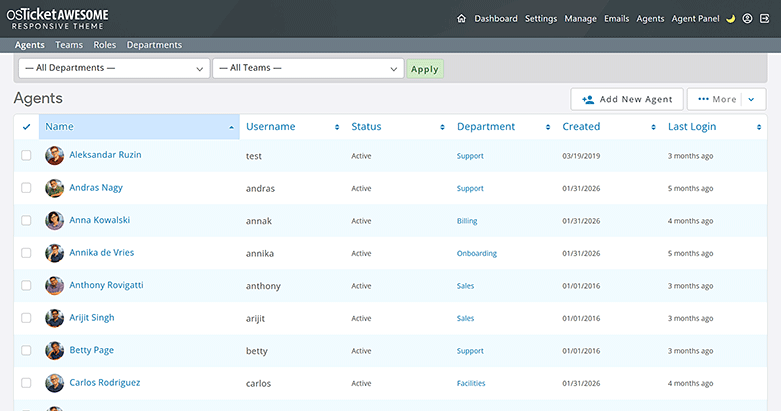
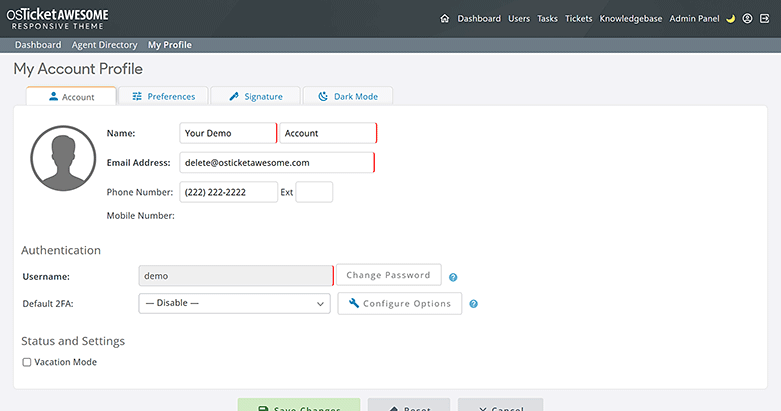
Staff and client portals fully redesigned for desktop, tablet, and mobile. Ticket queues, ticket views, replies, internal notes, admin panels: all responsive, all functional, all professional.
Your agents can triage tickets from their phones. Your customers can submit and track requests from anywhere. No pinching, no horizontal scrolling, no “request desktop site.”
Speed
We made every interaction faster, easier and more enjoyable.
17 Keyboard Shortcuts
Open tickets, post replies, change priorities, navigate between queues, toggle dark mode. Every common action without lifting your hands from the keyboard.
Inline Priority Editing
Change a ticket’s priority directly from the queue. One click. No opening the ticket, no loading a new page.
Priority-Colored Ticket Rows
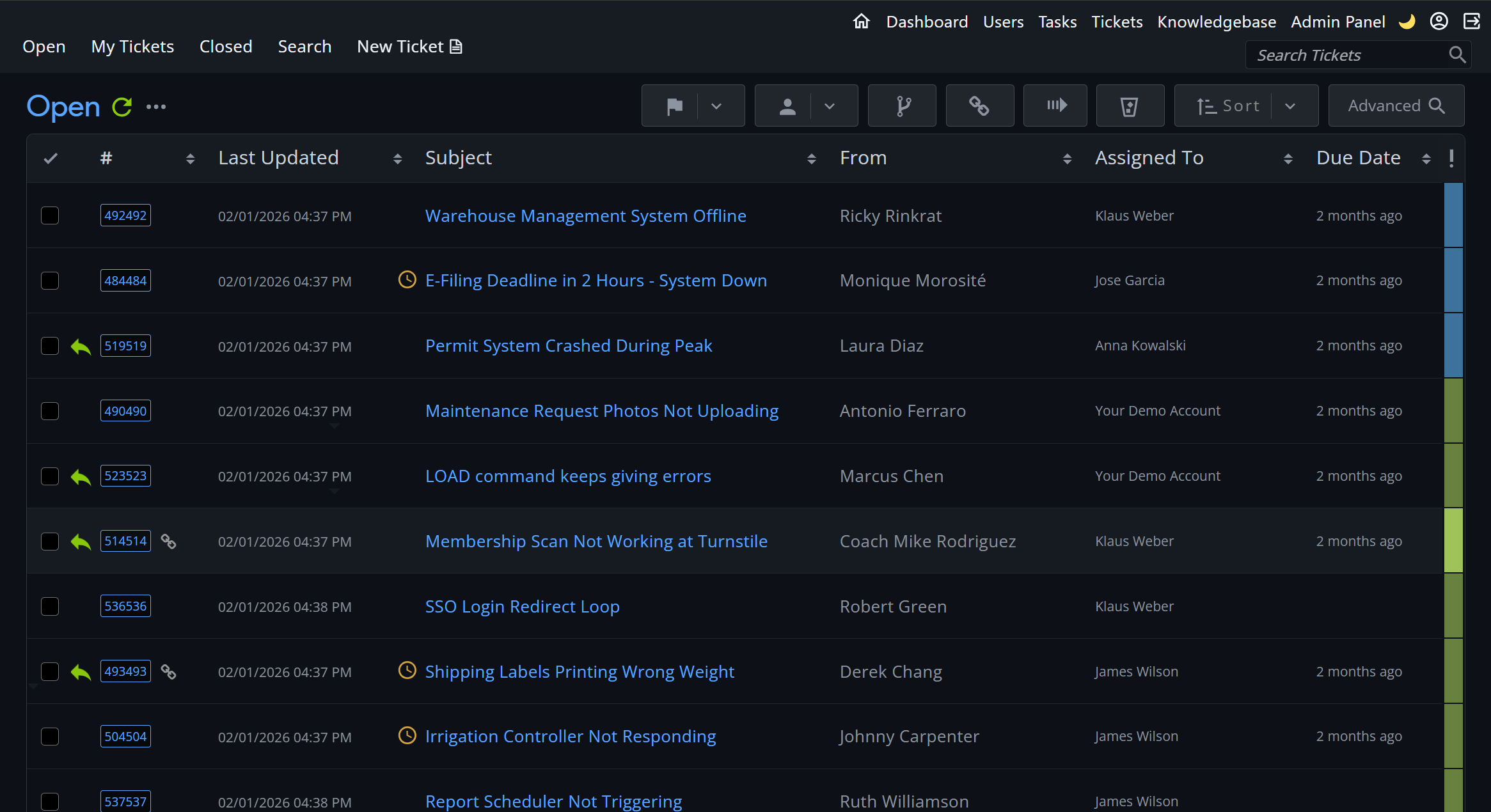
Urgent tickets are red. High priority is orange. Your queue sorts itself visually before you read a single subject line.
New Reply Indicators
A pulsing dot and bold text flag every ticket with an unread customer reply. Nothing slips through the cracks.
Font Size and Row Density
Per-agent preference. Persists across sessions. Adjust the queue to your eyesight and screen size.
Select-All Toggle
Batch operations across the entire queue with a single click. Mass-assign, mass-close, mass-transfer.
Comfort
Dark Mode
Per-agent. Persistent. Their choice.
Per-agent toggle. Not a system-wide setting; each agent chooses their own preference. Persists across sessions and devices. One agent works in dark mode at midnight; another works in light mode at the desk next to them.
Every view, every form, every admin panel is styled for both modes. This isn’t a CSS invert filter. It’s a ground-up dark theme.
Your Brand
Your helpdesk. Your brand. Your code.
Zendesk shows “Powered by Zendesk” on their Web Widget by default. Removing it requires Suite Enterprise at $115+/agent/month. Freshdesk removes portal branding on paid plans, but “via freshdesk.com” still appears in outgoing email headers unless you configure DKIM/SPF correctly.
You’re paying them to advertise to your customers.
osTicket Awesome ships with 10 pre-built color themes, a live color picker, and a Custom CSS editor in the admin panel. We provide the exact two lines of CSS you need to remove every trace of vendor branding. Add your own logo, your own colors, your own identity.
If the CSS editor isn’t enough, the full source code is yours. No encryption. No obfuscation. No “please contact sales for white-label options.”
First Impressions
The first thing your customers see should look like you built it this decade.
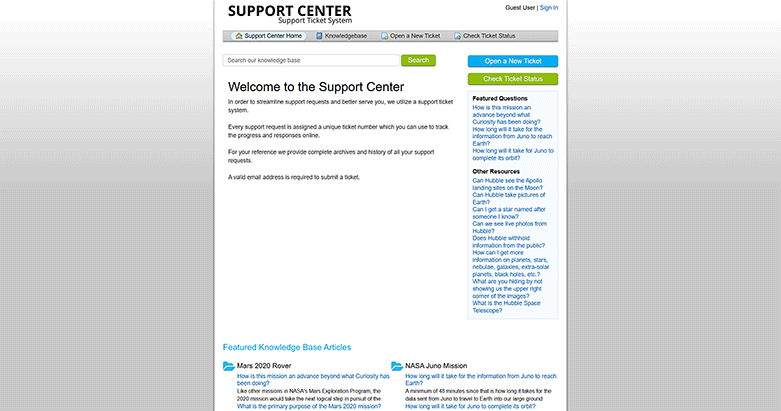
Card-based landing page. Hero search bar. Featured knowledge base articles. Custom-branded login pages with your logo and backdrop image. Pre-footer KB search on every page.
Your customers interact with this portal when they need help. It should feel professional, modern, and branded.
Compliance
GDPR Cookie Consent
Optional cookie consent banner, built by popular demand from our EU customers. Enable it, configure the message, link your privacy policy, done. Displayed on both client and staff portals, automatically attuned to your company’s chosen color scheme.

Enterprise Plugins
10 plugins, pre-installed.
Every plugin your enterprise deployment could ever need, already in the package, ready to activate.
Diagnostics
Clean on. Clean off.
osTicket Awesome enhances every page of the helpdesk. Press SHIFT+O and the page you’re on reloads in stock osTicket. Same page, same data, same tickets, same agents. Every one of our modifications gone. But your settings, your plugins, and your configuration are all untouched. Press it again and everything comes back.
It exists because diagnosing a problem should be simpler than explaining it.
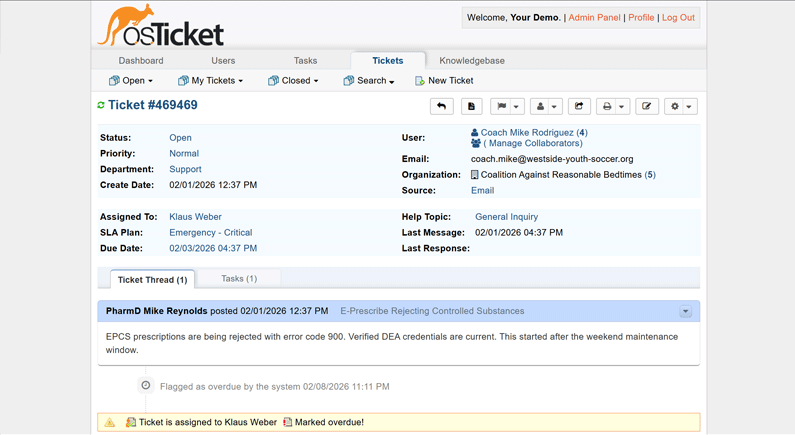
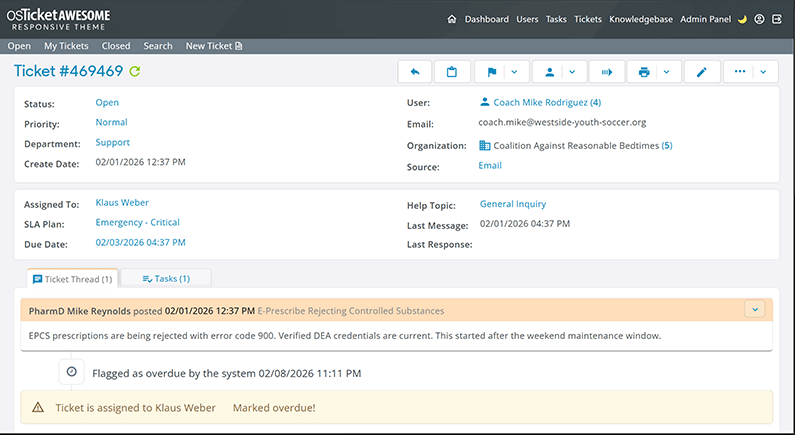
SHIFT+O toggles between vanilla and Awesome
Polish
Real faces. Clean fallbacks.
Gravatar integration pulls in profile photos automatically. When a photo isn’t available, agents and customers get a colored circle with their initial. Deterministic colors per user, so each person’s avatar is consistent across every ticket and every view.
Small detail. Disproportionate impact on how professional the interface feels.

Side by Side
The honest comparison.
| osTicket Awesome | vanilla osTicket | Zendesk Suite | Freshdesk Pro | Zammad | SupportPal | |
|---|---|---|---|---|---|---|
| Annual cost (10 agents) | From $149 | Free | $13,200+ | $5,880+ | Free / ~$6,500 support | $249.95/yr flat |
| Annual cost (50 agents) | From $149 | Free | $66,000+ | $29,400+ | Free / scaled | $249.95/yr flat |
| Unlimited agents | ✓ | ✓ | ✗ | ✗ | ✓ | ✓ |
| Self-hosted | ✓ | ✓ | ✗ | ✗ | ✓ | ✓ |
| Responsive design | ✓ | ✗ | ✓ | ✓ | ✓ | ✓ |
| Dark mode | ✓ per-agent | ✗ | ✓ system | ✗ | ✓ system | ⚠ partial |
| Color themes | ✓ 10 + live picker | ✗ | ⚠ limited | ⚠ higher tiers | ⚠ basic | ⚠ basic |
| Remove vendor branding | ✓ any plan | ✓ | ⚠ Enterprise only | ⚠ email headers persist | ✓ | ✓ |
| CSS editor | ✓ | ✗ | ✗ | ✗ | ✗ | ✗ |
| Source code access | ✓ full | ✓ full | ✗ | ✗ | ✓ AGPL | ✗ ionCube |
| Pre-installed plugins | 10 | 0 | Marketplace | Marketplace | Marketplace | Add-ons |
| 49 language packs | ✓ | Manual install | Varies by tier | Higher tiers | ~25 | ~15 |
| Keyboard shortcuts | ✓ 17 | ✗ | ✓ | ⚠ limited | ⚠ limited | ✗ |
| Priority email support | ✓ Business+ | ✗ | ✓ paid | ✓ paid | ✓ paid | ✓ |
Honest Trade-Offs
osTicket Awesome is not the right choice for every organization. We’d rather tell you that now than after you’ve paid.
If you need native omnichannel (live chat, SMS, social media messaging from a single inbox), Zendesk or Freshdesk will serve you better. osTicket Awesome handles email and web form tickets.
If you need a built-in AI copilot with suggested replies and automated resolution, Zendesk offers this as an add-on. osTicket Awesome does not include AI capabilities yet. The platform supports plugin development, and this is on our roadmap.
If you need a deep app marketplace with hundreds of pre-built integrations for CRMs, e-commerce platforms, and communication tools, Zendesk’s ecosystem is larger. osTicket’s plugin ecosystem is smaller and community-driven.
If you need native mobile apps, Zendesk has iOS and Android apps. osTicket Awesome provides a fully responsive web interface that works well on mobile browsers, but it is not a native app.
Those are real differences. Here’s the question: are they worth $18,600/year for 10 agents? $93,000/year for 50?
For organizations whose core need is reliable, professional email ticketing that runs on their own infrastructure, costs a flat annual rate, handles unlimited agents, and doesn’t punish them for growing: this is it.
The Stack
The engine evolves. The enhancements keep pace. You stay ahead of both.
osTicket Awesome isn’t a product frozen in time. It’s a stack: the most proven helpdesk engine on earth, plus an enhancement layer that’s tracked every upstream release for a decade.
There is no team. There is no venture capital. There is one developer who has been doing this for ten years, who answers every support email personally, and who ships within days of every upstream release. That’s why the price is what it is. Not because we cut corners, but because the entire operation fits on one laptop.
And because it’s built on open-source osTicket, your helpdesk keeps running regardless. No vendor dependency. No kill switch. Your data is in your database, on your server, under your control.
When osTicket improves, osTicket Awesome improves with it. When your needs grow, the stack grows with them.
osTicket 2.0 is in development. When it arrives, we’ll be ready. But we won’t rush you. Here’s our commitment.